Text
#FFFFFF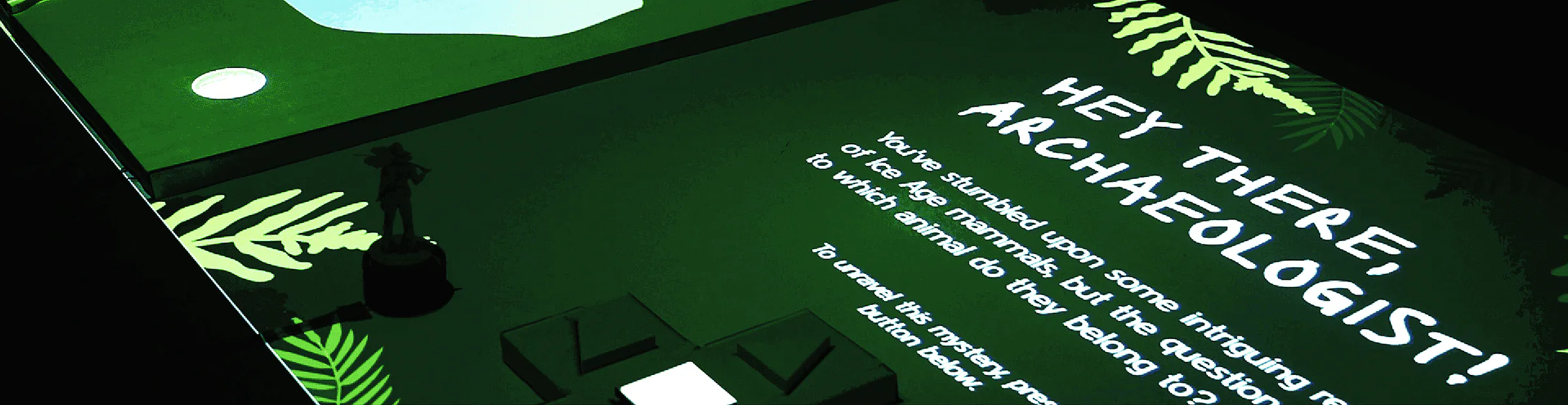
Ice age mammals
A museum exhibition prototype that combines education, storytelling and gamification
Overview
The goal of this project was to develop an interactive experience centered around a specific topic, designed to enhance museum exhibits. It aims to offer visitors an engaging, hands-on learning opportunity, enriching their exploration and understanding of the subject.
Sketching & Ideation
Brainstorming
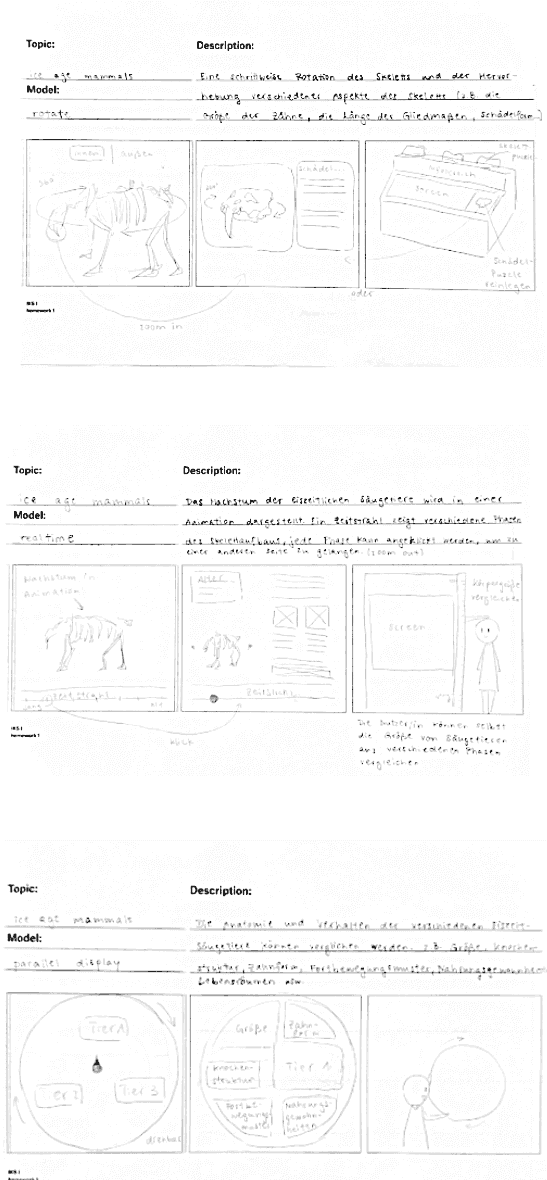
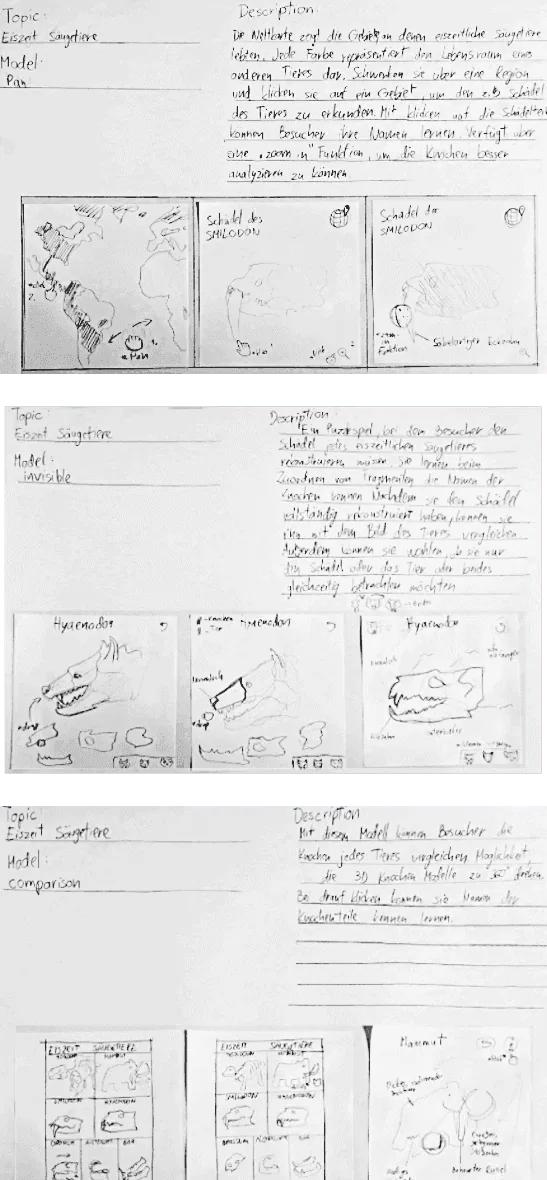
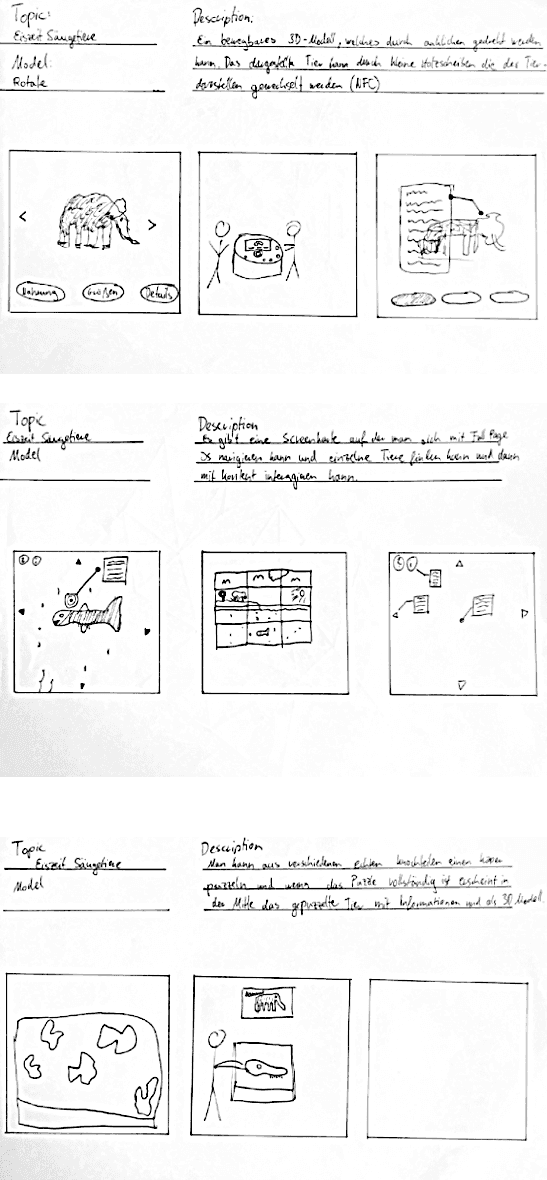
Before research, we brainstormed and each team member sketched three exhibition concepts. We focused on combining digital and physical elements to enhance the experience. Afterward, we selected the best aspects from each concept and tried merging them into our first flow.
Moodboard
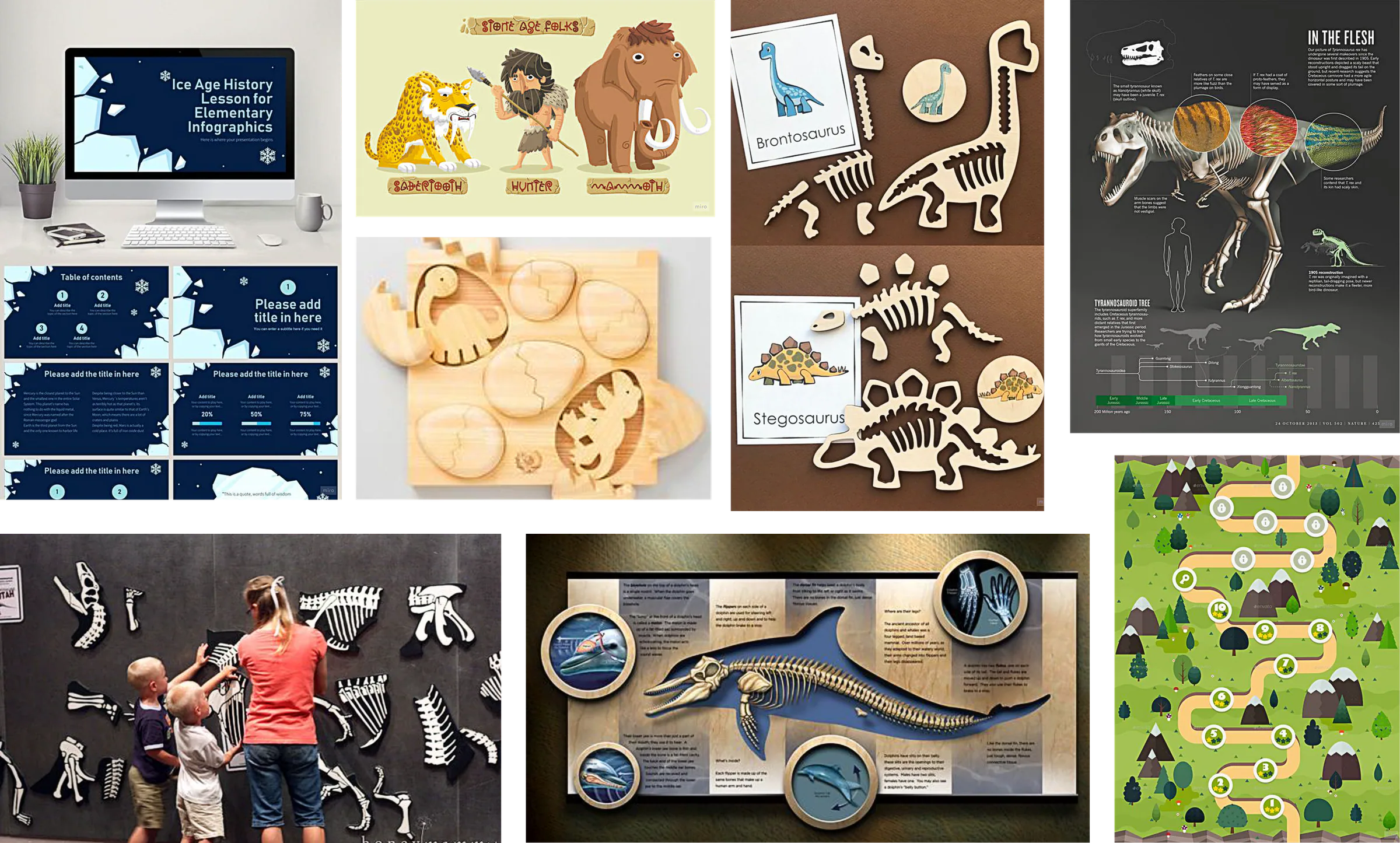
The moodboard focused on earthy tones and fossil imagery. We embraced the "puzzling" concept and tailored the experience to engage both adults and younger visitors.
Idea Refinement
During the refinement phase, we explored several interaction ideas. These included a puzzle-focused concept, a combination of touchscreen and a control figure (the archaeologist), and a mix of touchscreen with multiple control figures representing different Ice Age animals. We experimented with various approaches to find the most engaging and effective way to involve visitors in the discovery process.

Concept
Storyline
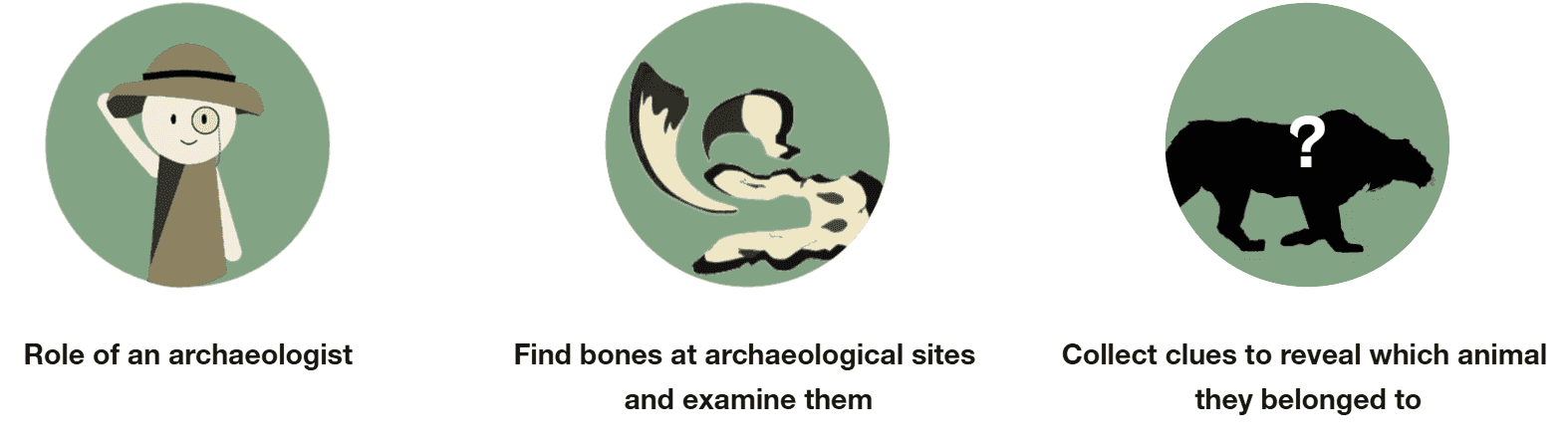
Visitors play the role of an archaeologist. To uncover more bones, they move the archaeologist figure across a physical map to new excavation sites. Once there, they examine the bones and collect clues to identify the mysterious animal they belonged to.
Exhibition Layout
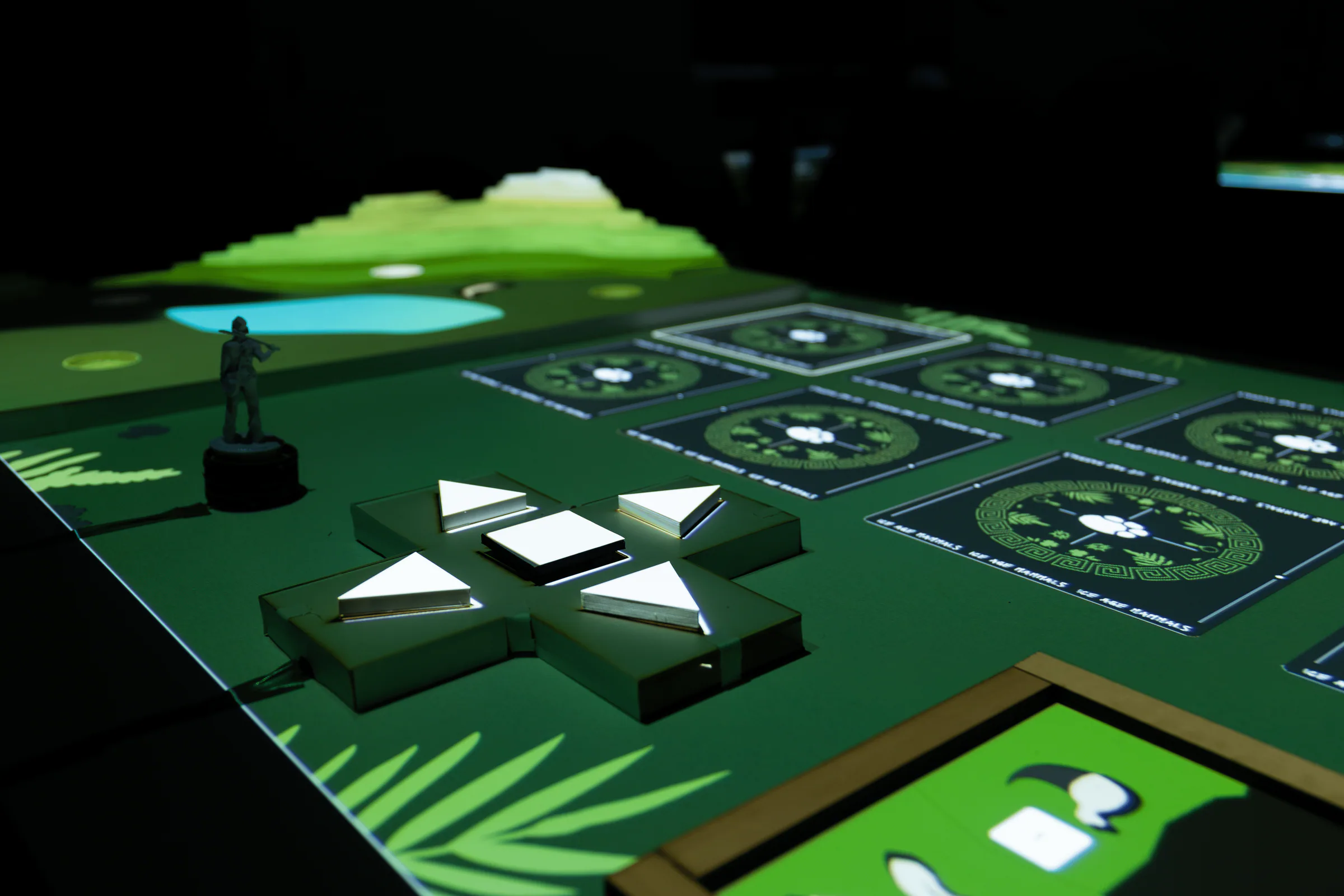
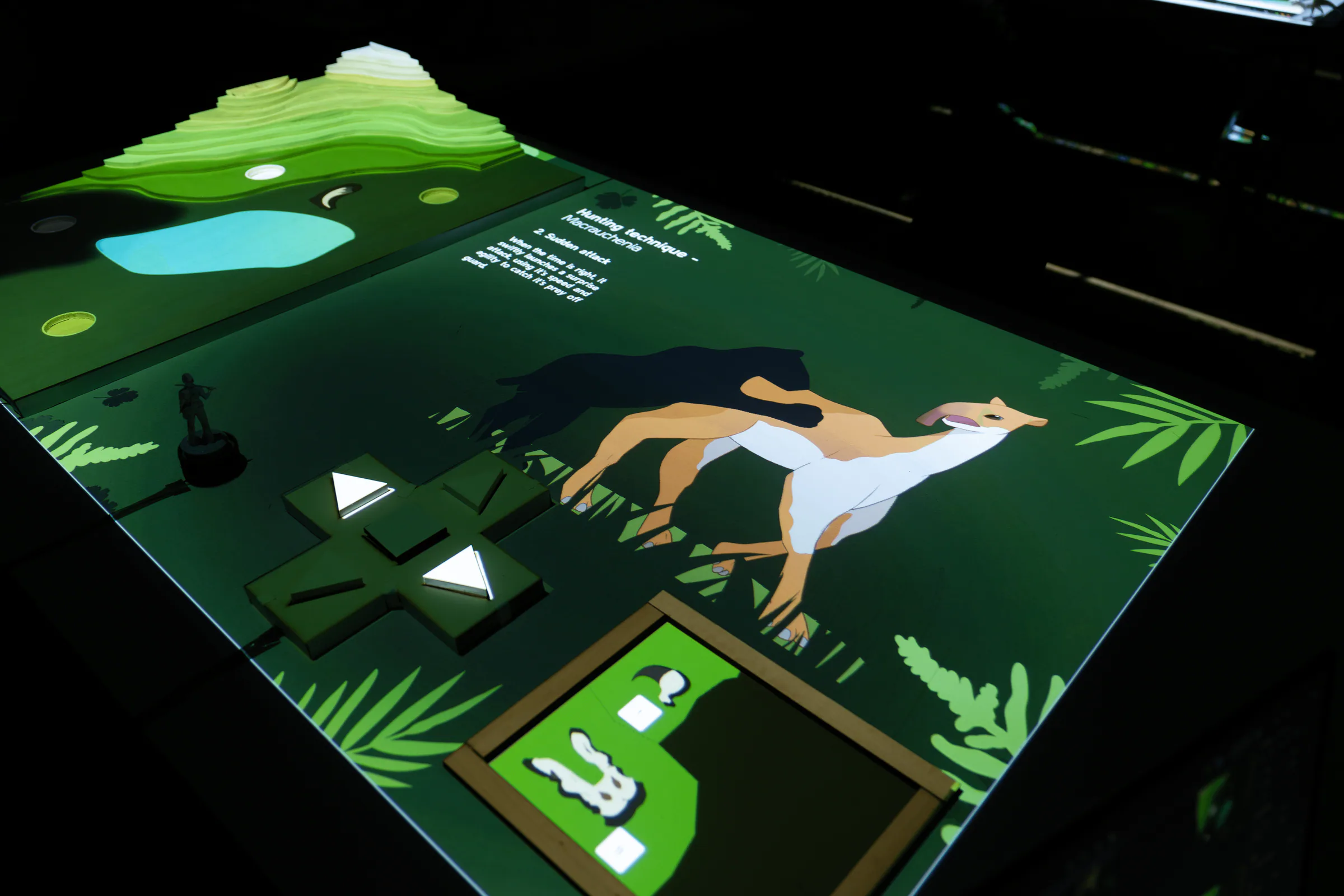
The exhibition consists of a physical map on the left, the main section on the right, and a control panel. Visitors interact with the map, moving the archaeologist figure to different excavation sites. The control panel allows them to examine bones and collect clues, while the map lights up progressively as they uncover more areas.

User Flow
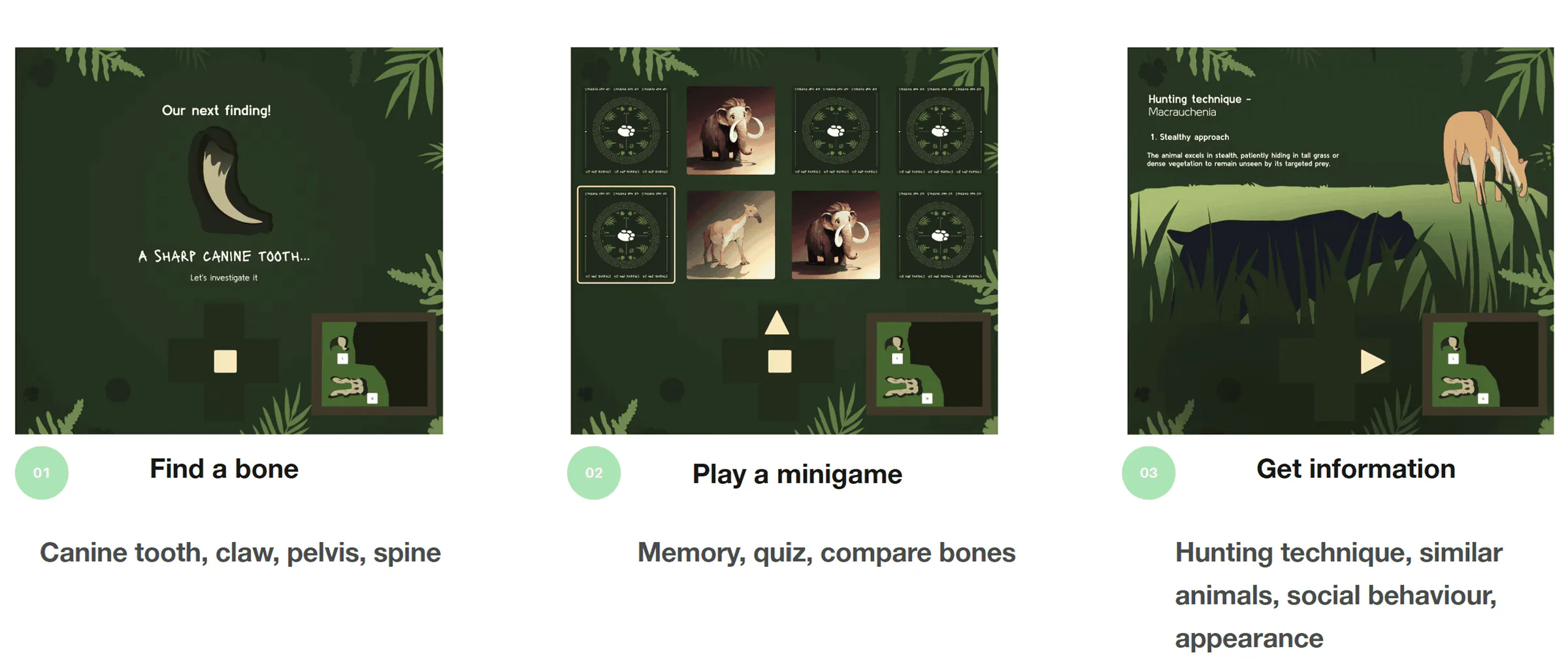
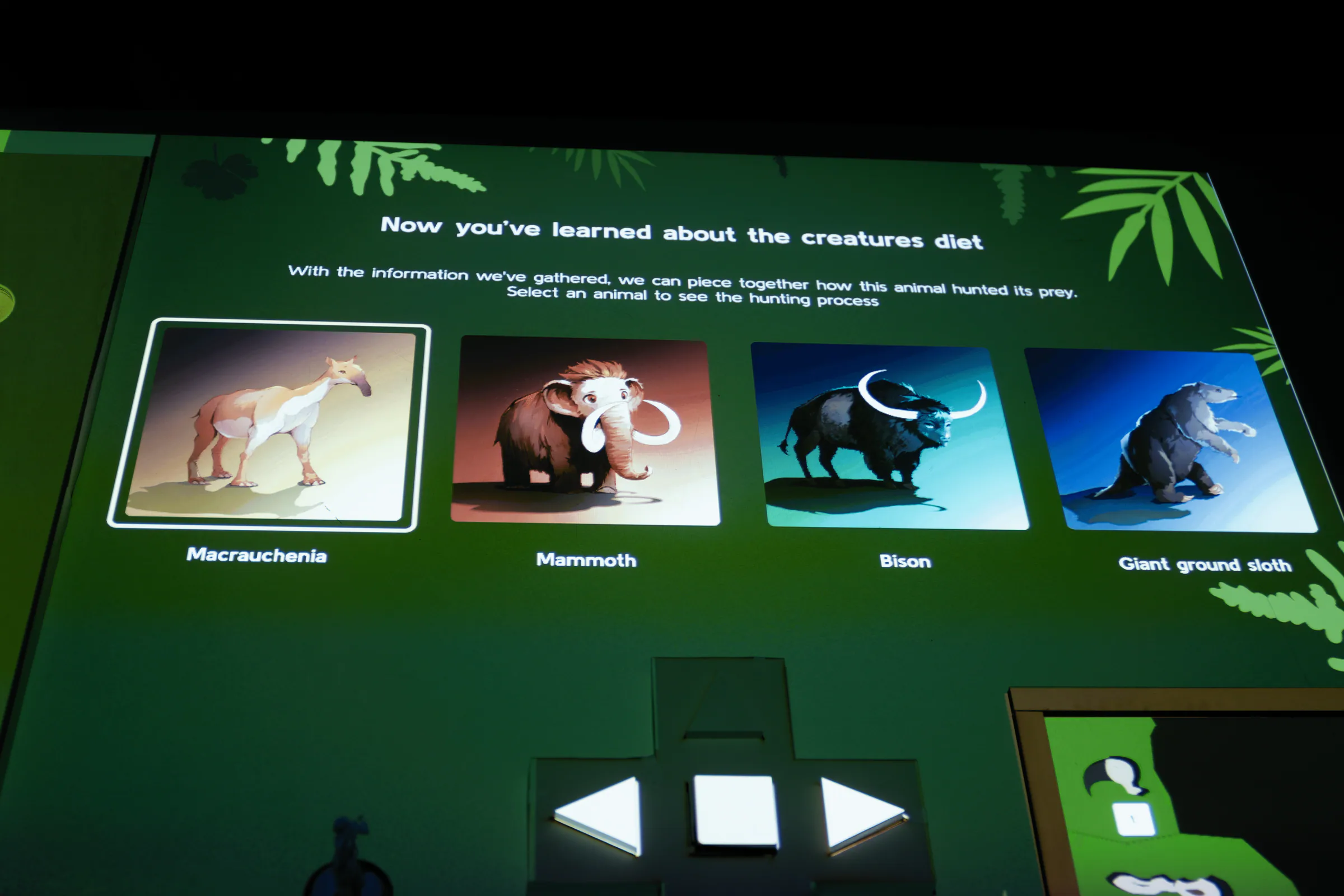
Each site follows the same flow: find a bone, complete a mini-game, then discover clues about the animal. Once all stages are finished, the mystery animal is revealed. Visitors can then choose a new animal to uncover.
Mechanics and Construction
Map
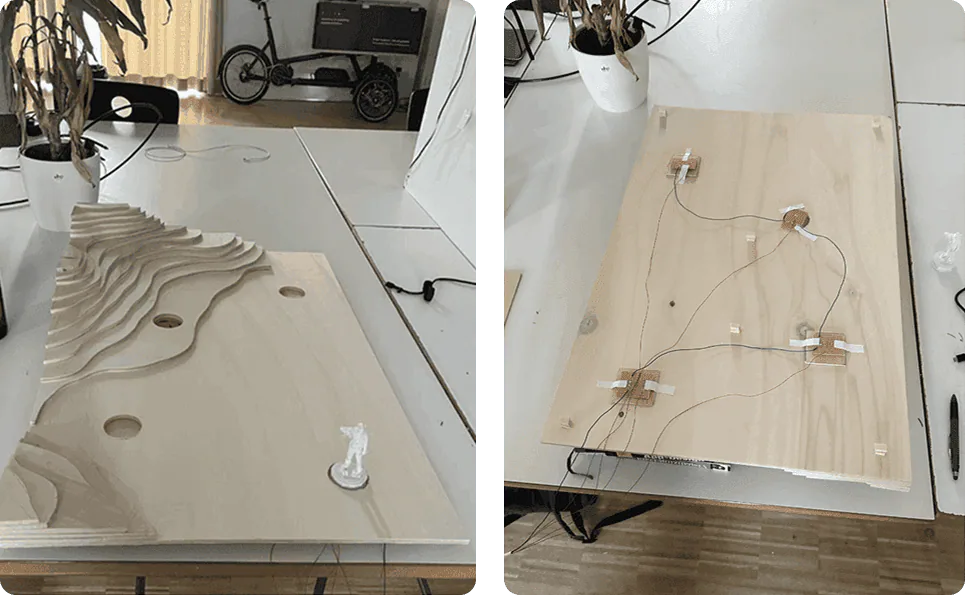
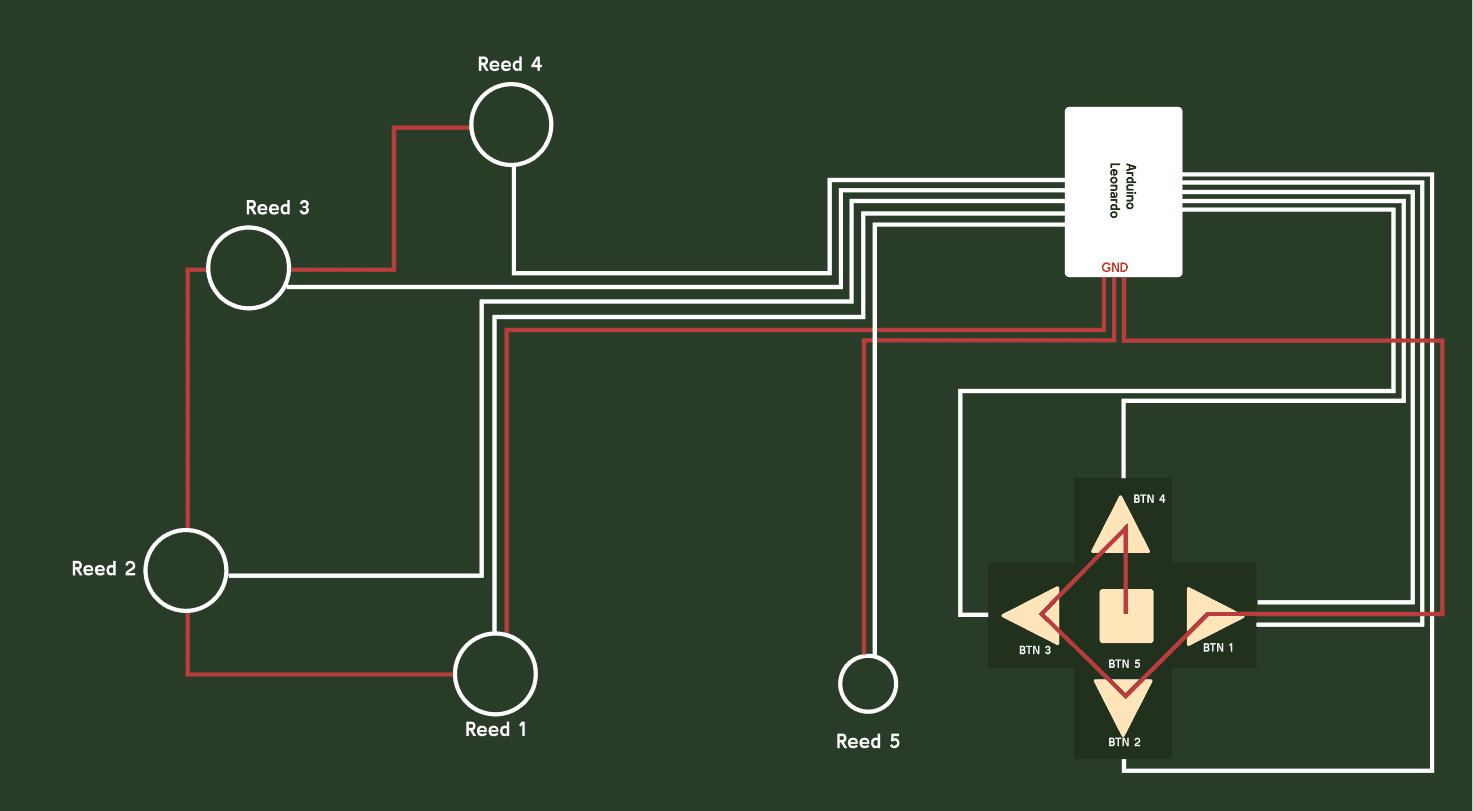
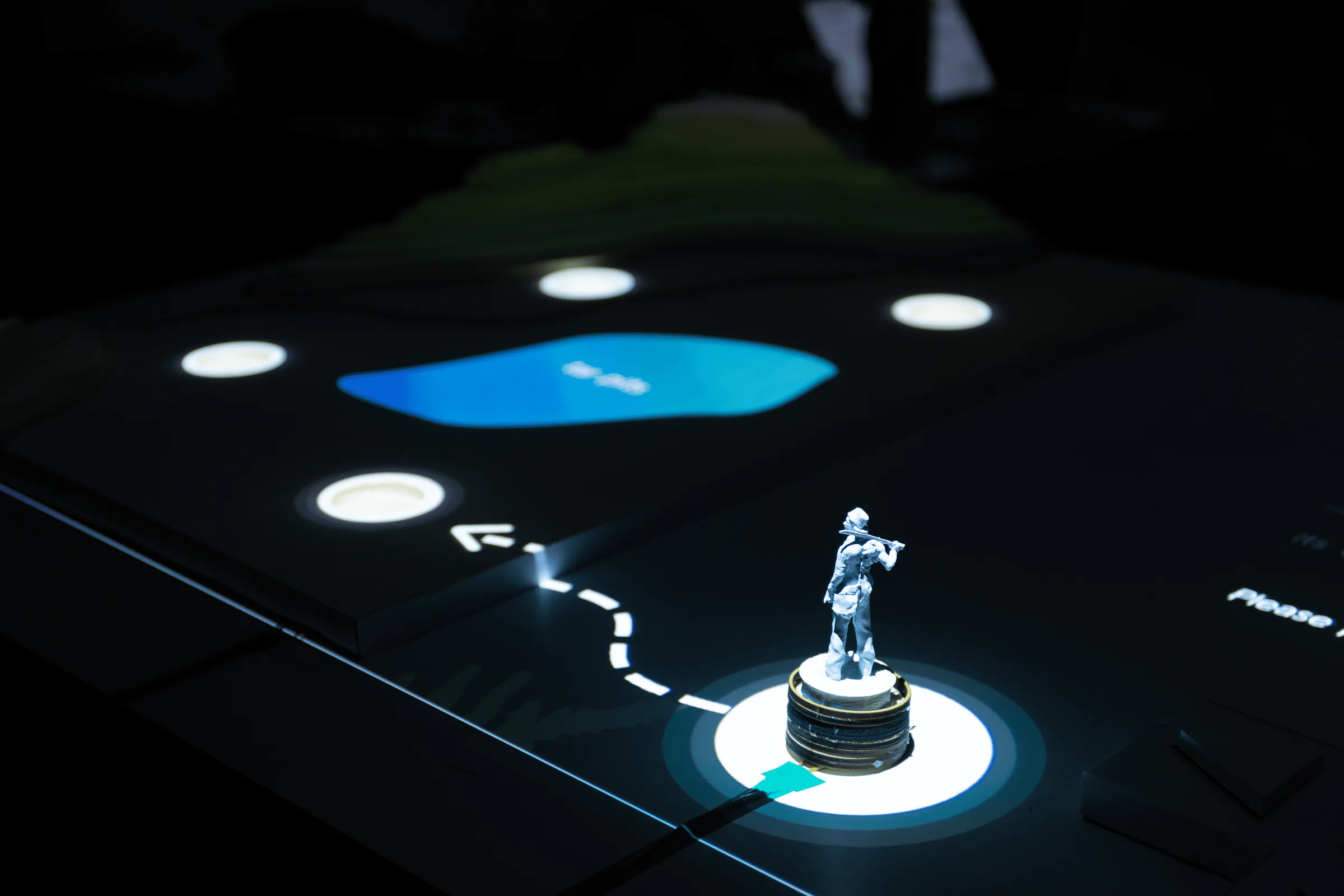
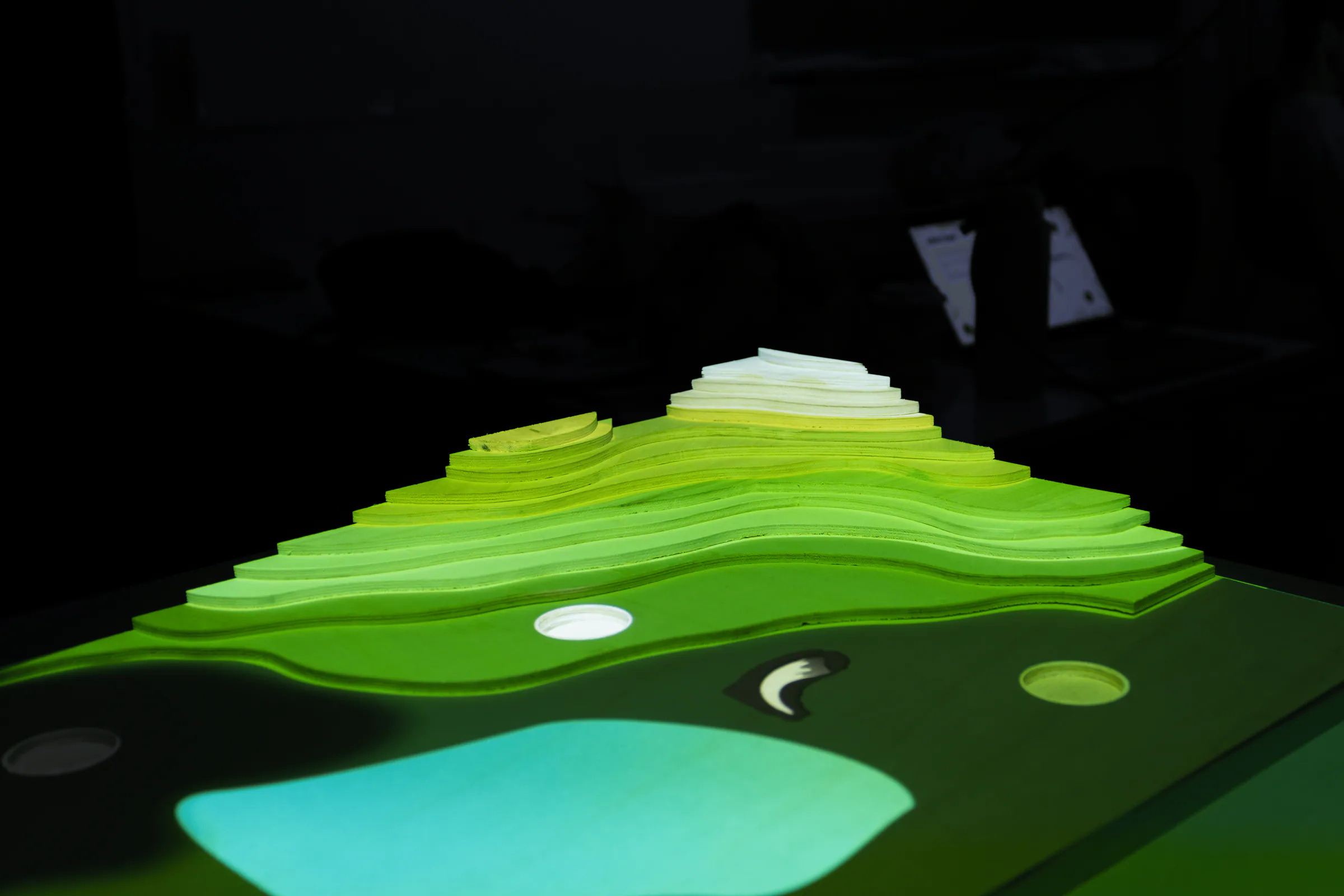
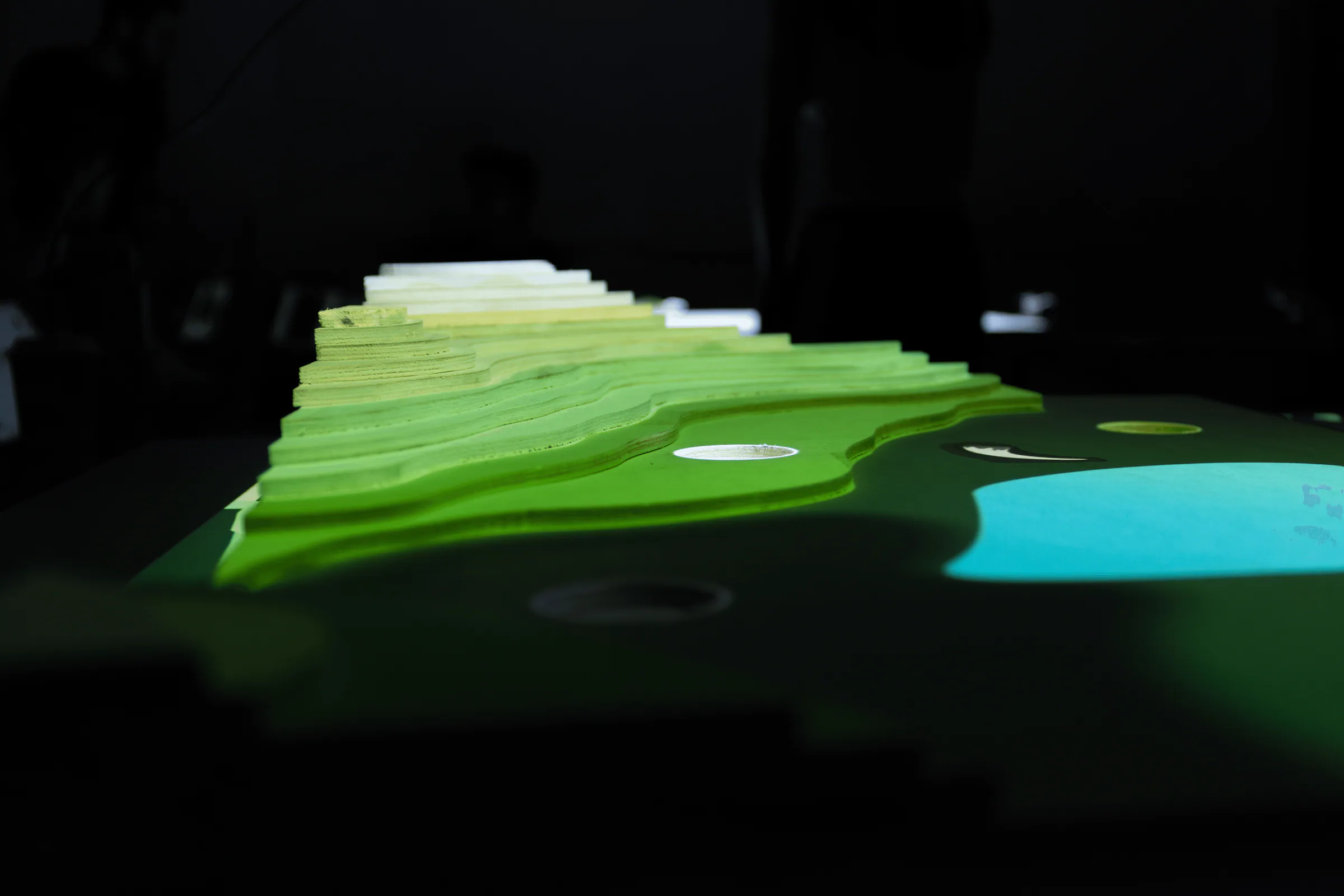
We created a multi-layered poplar wood map to give our map depth and realism. Then we drilled holes for each site, with Reed contacts placed beneath them to detect magnetic game pieces. To trigger the Reed contacts, we added a magnet at the bottom of our 3D printed archaeologist figure, ensuring it interacted with the map’s stations.
Control Panel
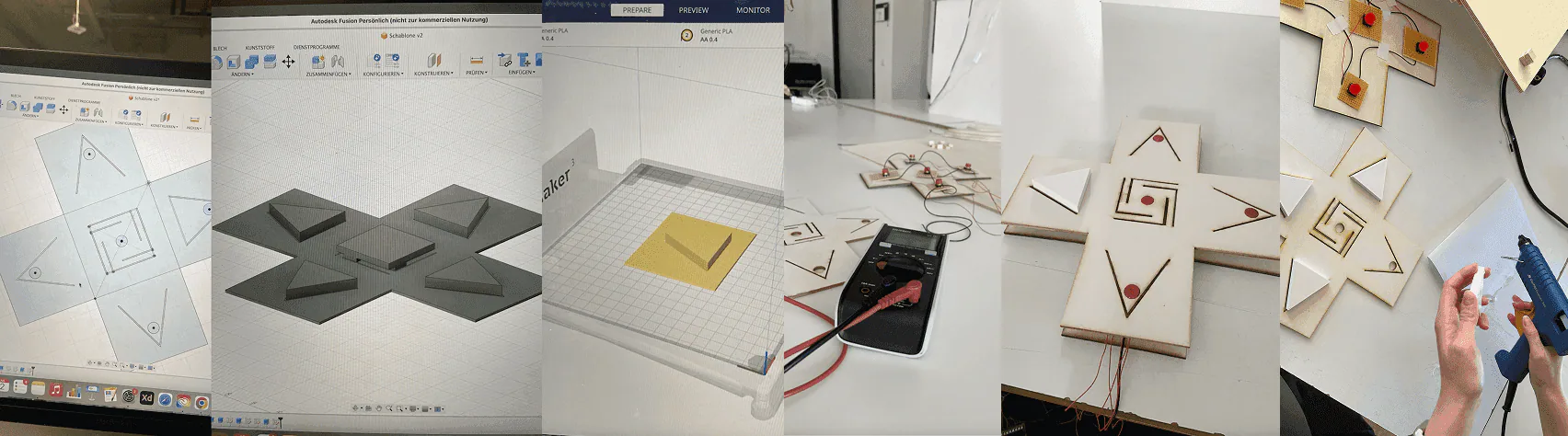
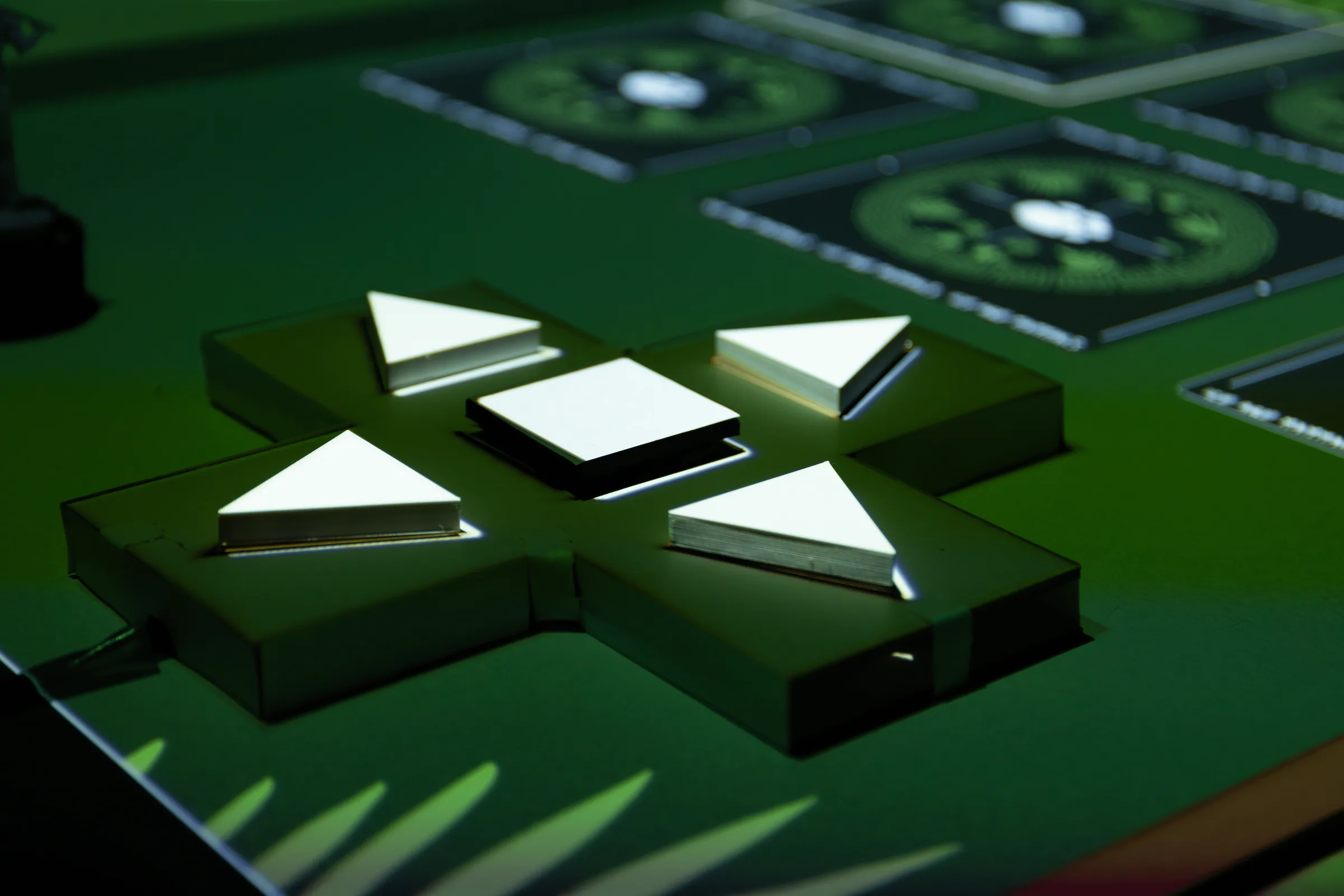
We designed a simple control panel in Autodesk, creating cutouts for five buttons mapped to W, A, S, D, and X, which were wired to an Arduino.
Visual Design
Projection
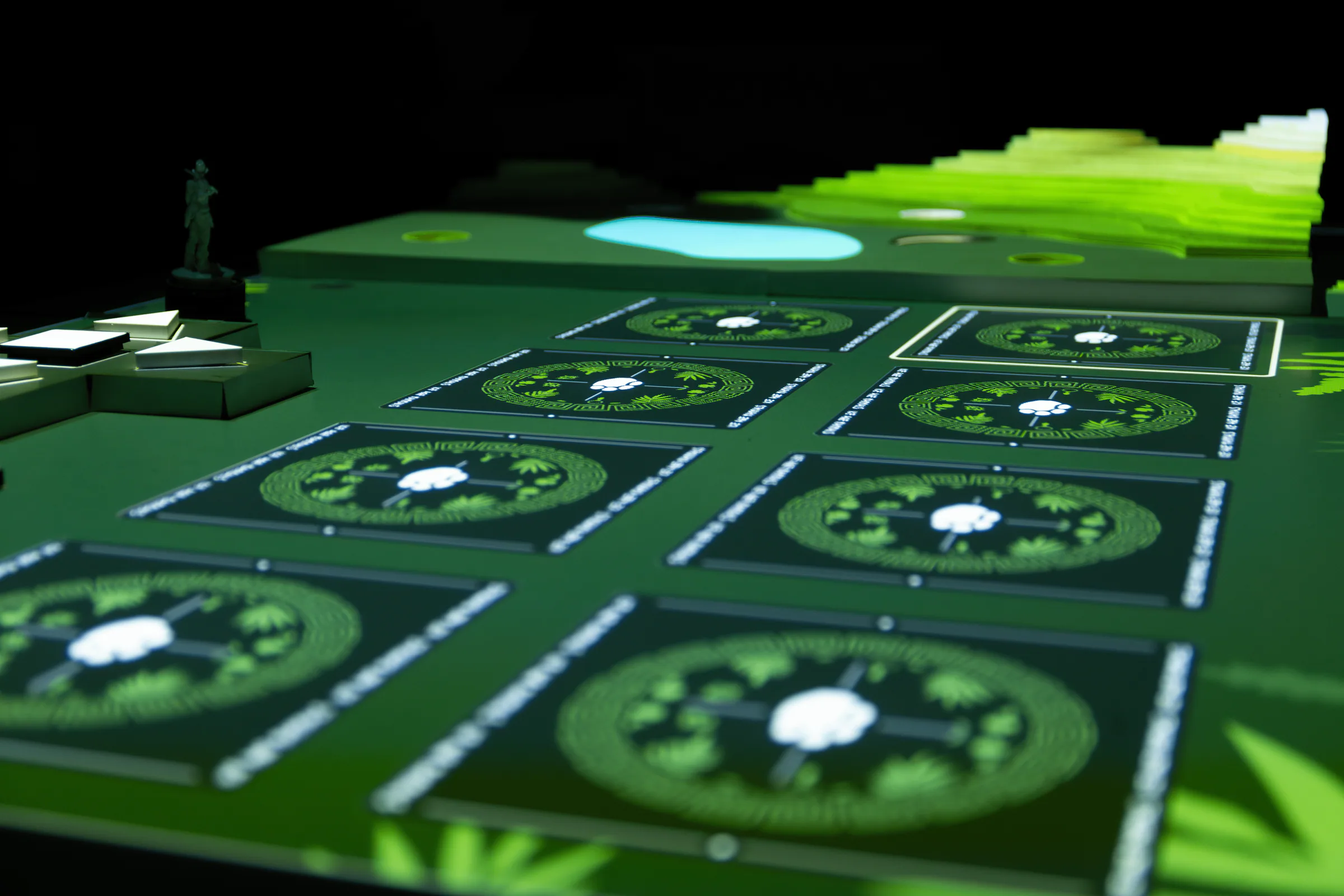
We carefully adjusted the projection to fit the map and its elements. With light and animation we tried to guide users by signaling where to interact and what to avoid for now.
Style Guide
01
Colors
Our color palette includes a range of greens, from dark to light green, along with a light yellow. This combination enhances the natural theme of the exhibition and adds depth to the design.
Accent
#FFE5B9Accent
#668951Background
#293C28Shadows
#202A2002
Typography
We chose Lacquer for its handwritten feel, making titles stand out with a natural, expressive touch. For body text, Kulim Park provides clear readability while maintaining a playful and engaging look.
TitleLacquer Regular • 90px
Aa
SubheadingLacquer Regular • 46px
Aa
BodyKulim Park Italic • 32px
Aa
CaptionKulim Park Italic • 24px
Aa
Illustrations
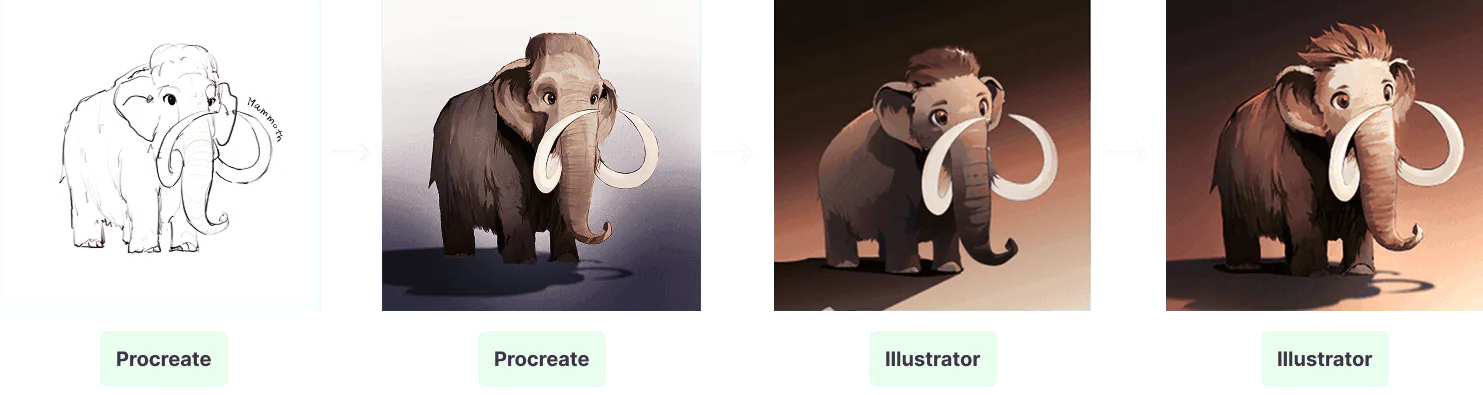
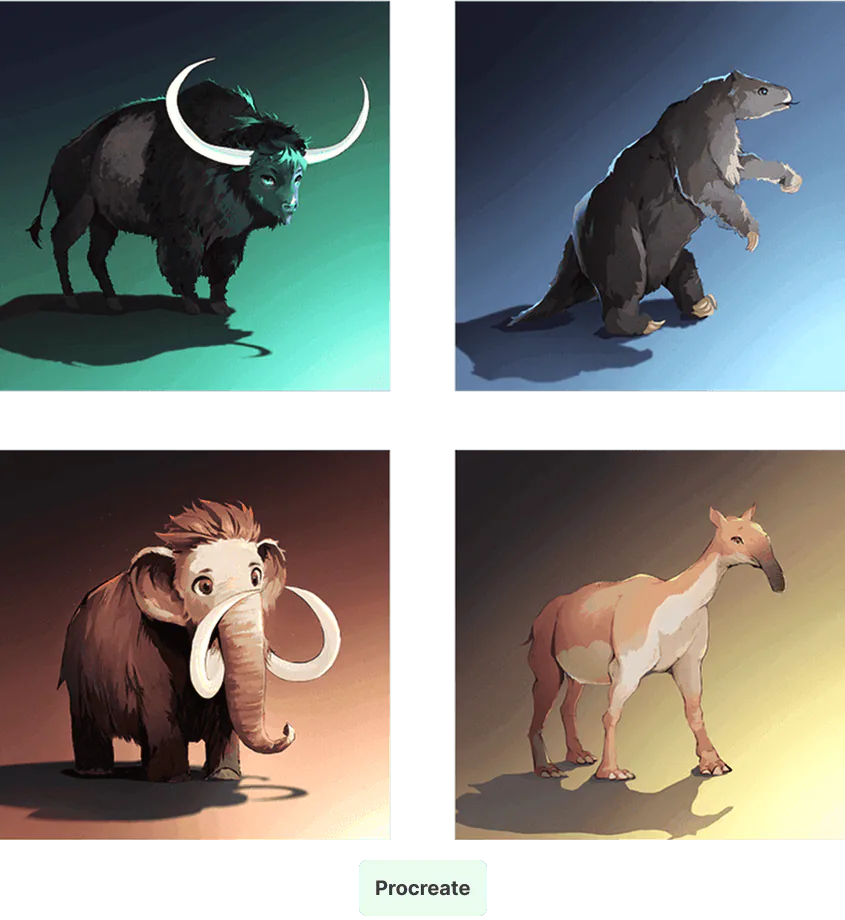
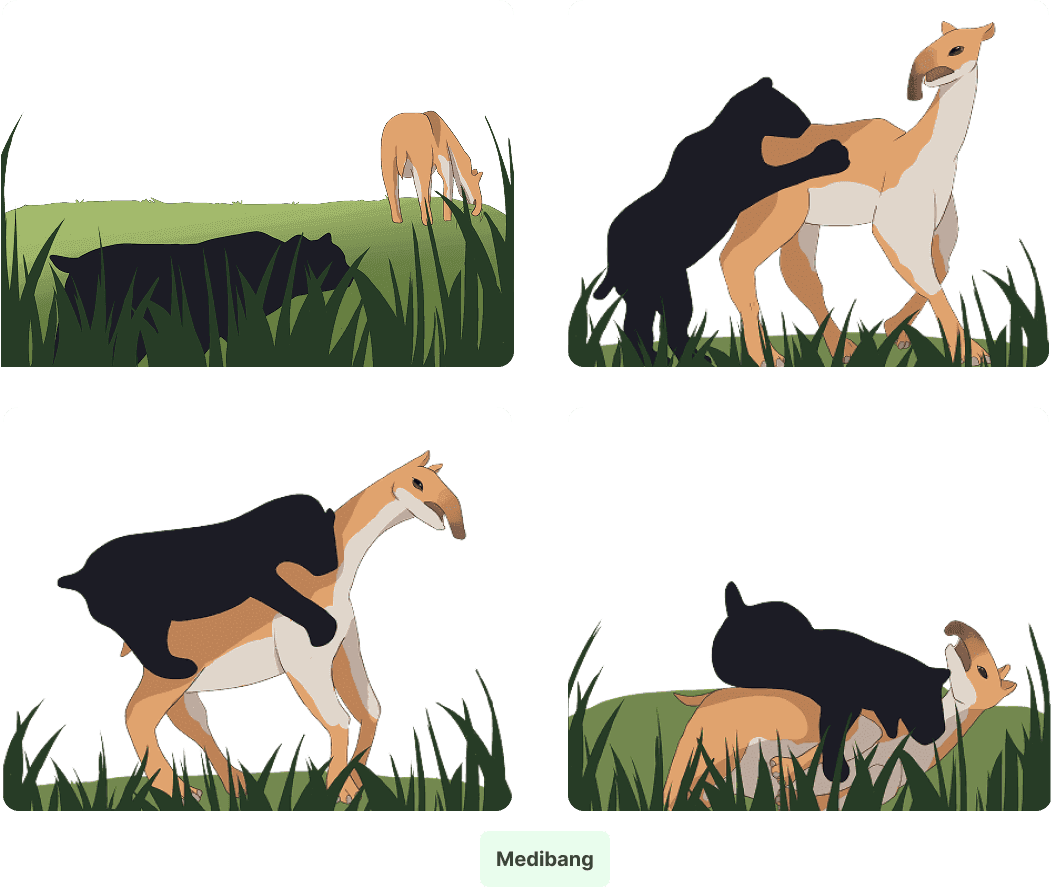
For the memory game, we created illustrations that represented the animal’s diet, while in the hunting section, we maintained the animal’s mystery by using silhouettes to keep its appearance vague as the archaeologist neared the animal’s identity. All illustrations were hand-drawn by us using Procreate and Medibang.
3D Model
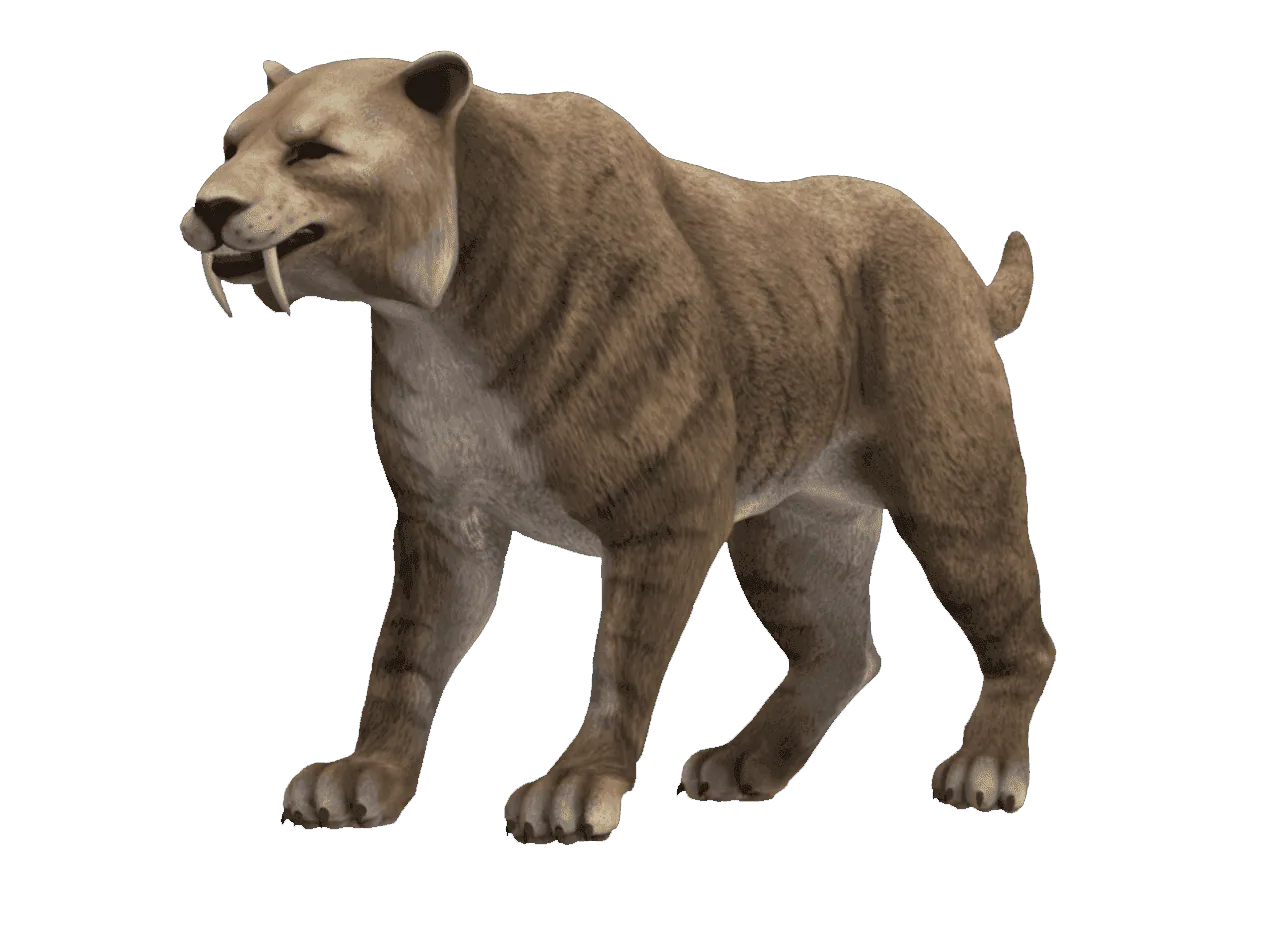
We incorporated a 3D model found online to visually represent the animal, aiming to give visitors a realistic idea of its appearance.
Reflection
This project taught me how visual storytelling and interaction can work together to create an engaging experience. Exploring new technologies challenged me to think beyond traditional interfaces, while collaborating as a team helped us bring a shared creative vision to life. Seeing the final experience capture the atmosphere we envisioned was especially rewarding.
Make stories interactive
Combine visual storytelling and interaction to make the subject engaging.
Explore the technology
Use new tools to expand the possibilities of the experience.
Design for engagement
Use playful interactions and gamification to encourage curiosity and exploration.
Other Projects
A few more things I've worked on
Drag or swipe to explore. Tab to a project, use the arrow keys to browse, and press Enter to open it. Home and End go to the first and last projects.