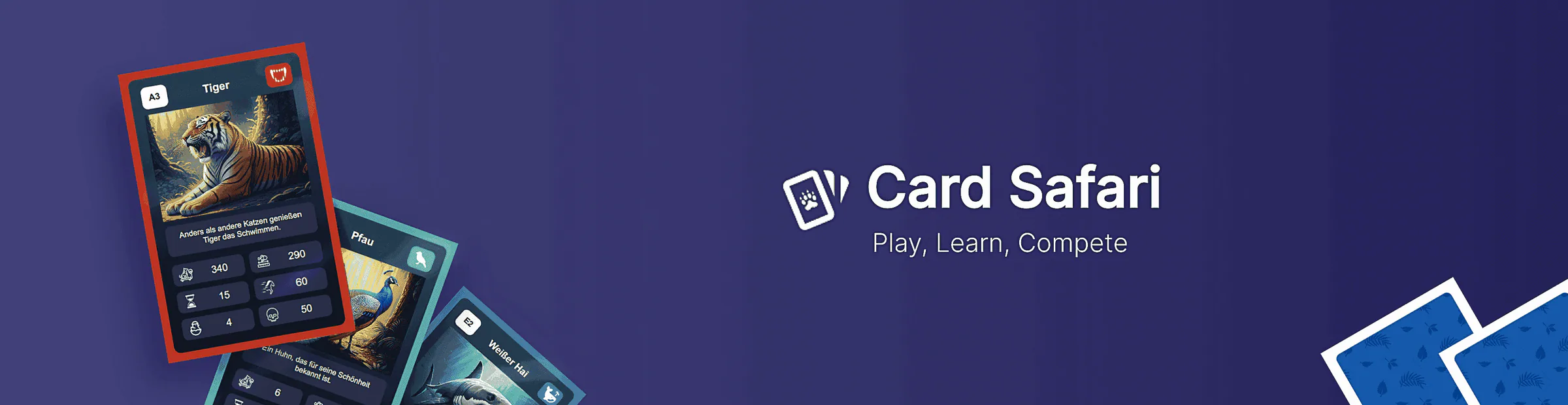
Card Safari
Interactive website prototype blending playful learning and simple strategy
Overview
The goal of this project was to create a fun and engaging website that combines learning about wild animals with interactive gameplay, while experimenting with generative content and a user-friendly UI built using Svelte.
Concept
Principles & Goals
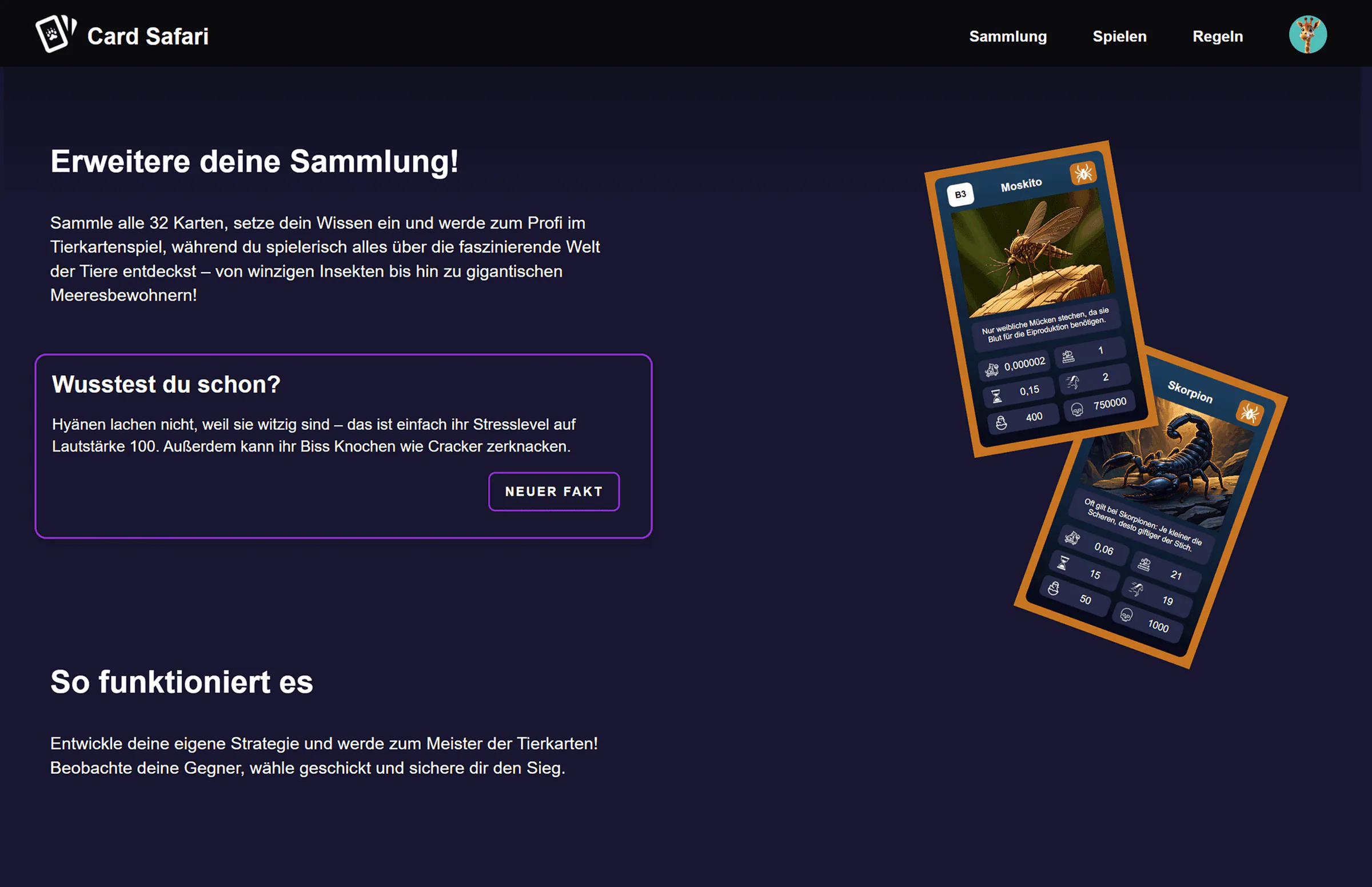
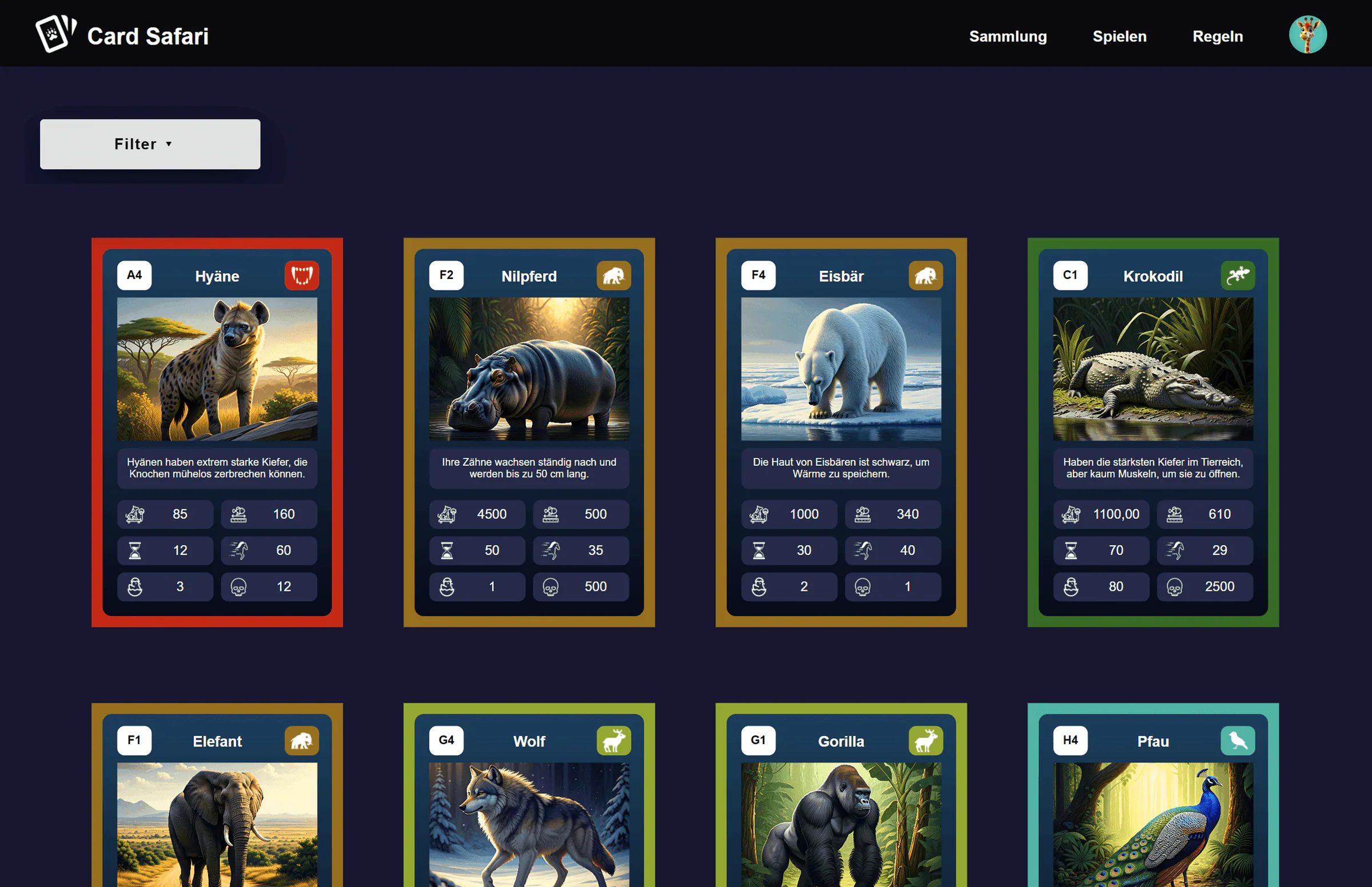
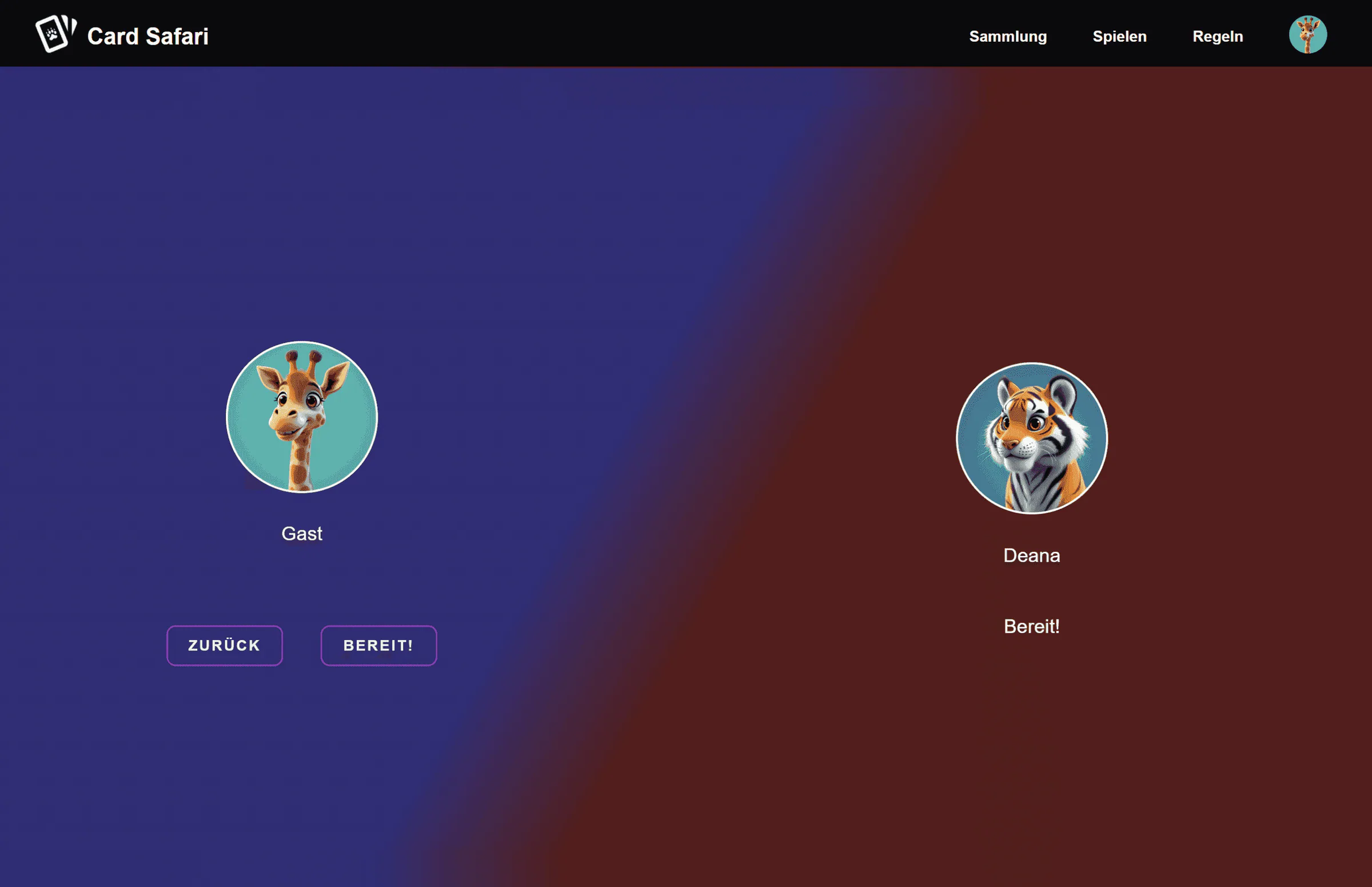
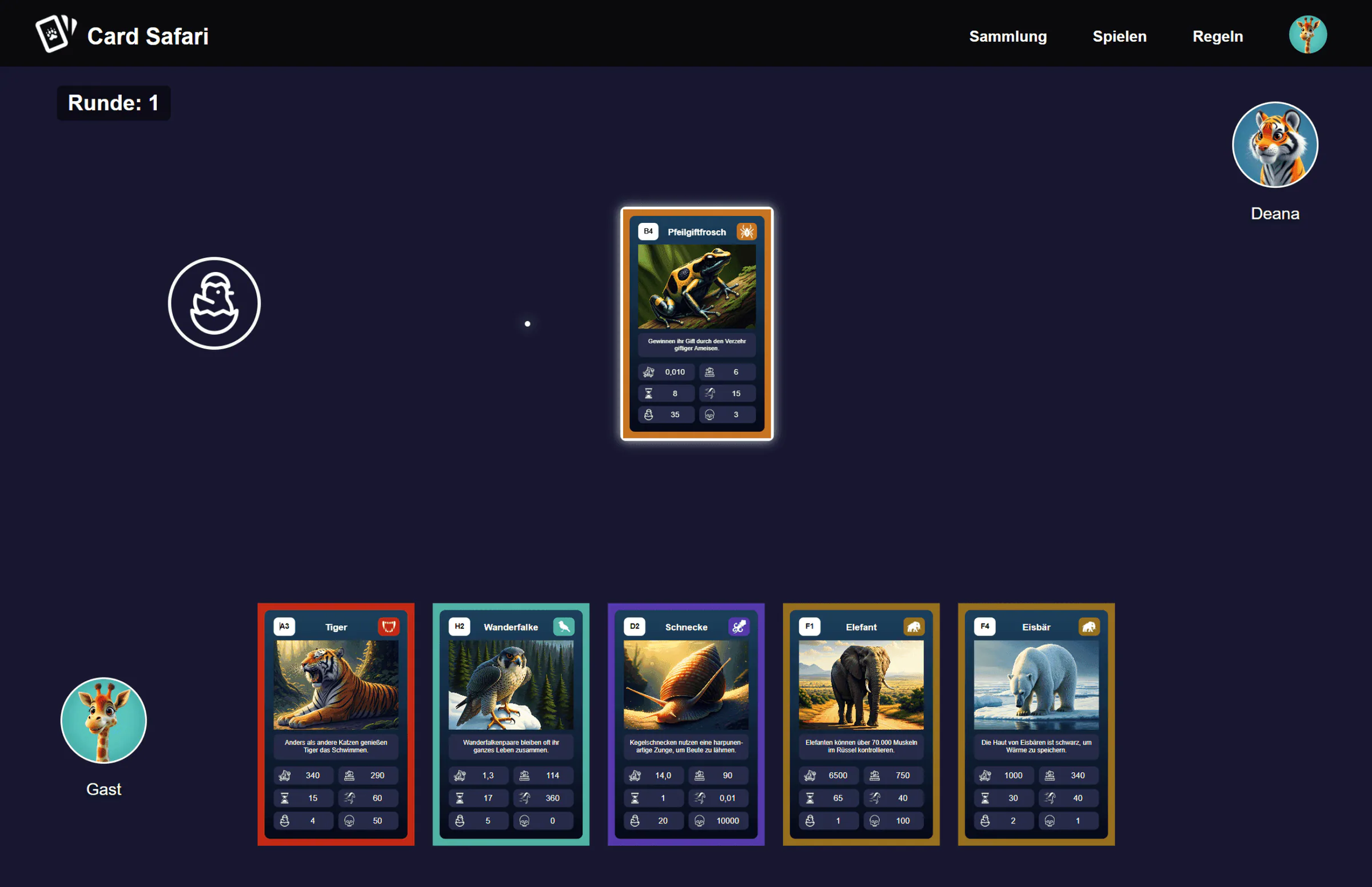
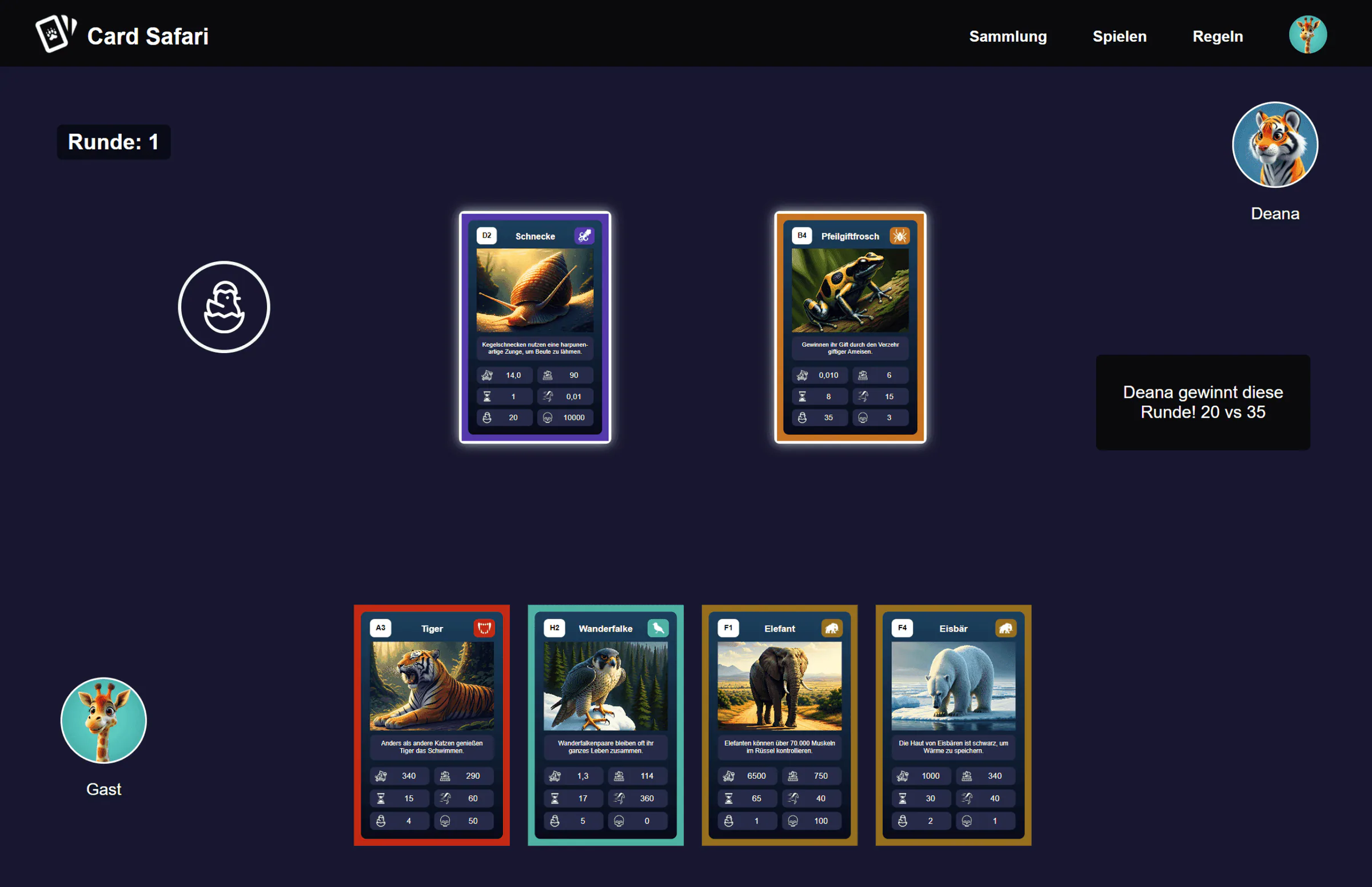
Card Safari is a strategic card game where players use animal cards with different stats to compete in rounds. Each round compares a random attribute like speed or strength, blending luck and strategy. The player with the higher stat wins the round, encouraging a mix of strategy and luck. Players must plan ahead, manage their hand, and think critically about when to play which card.

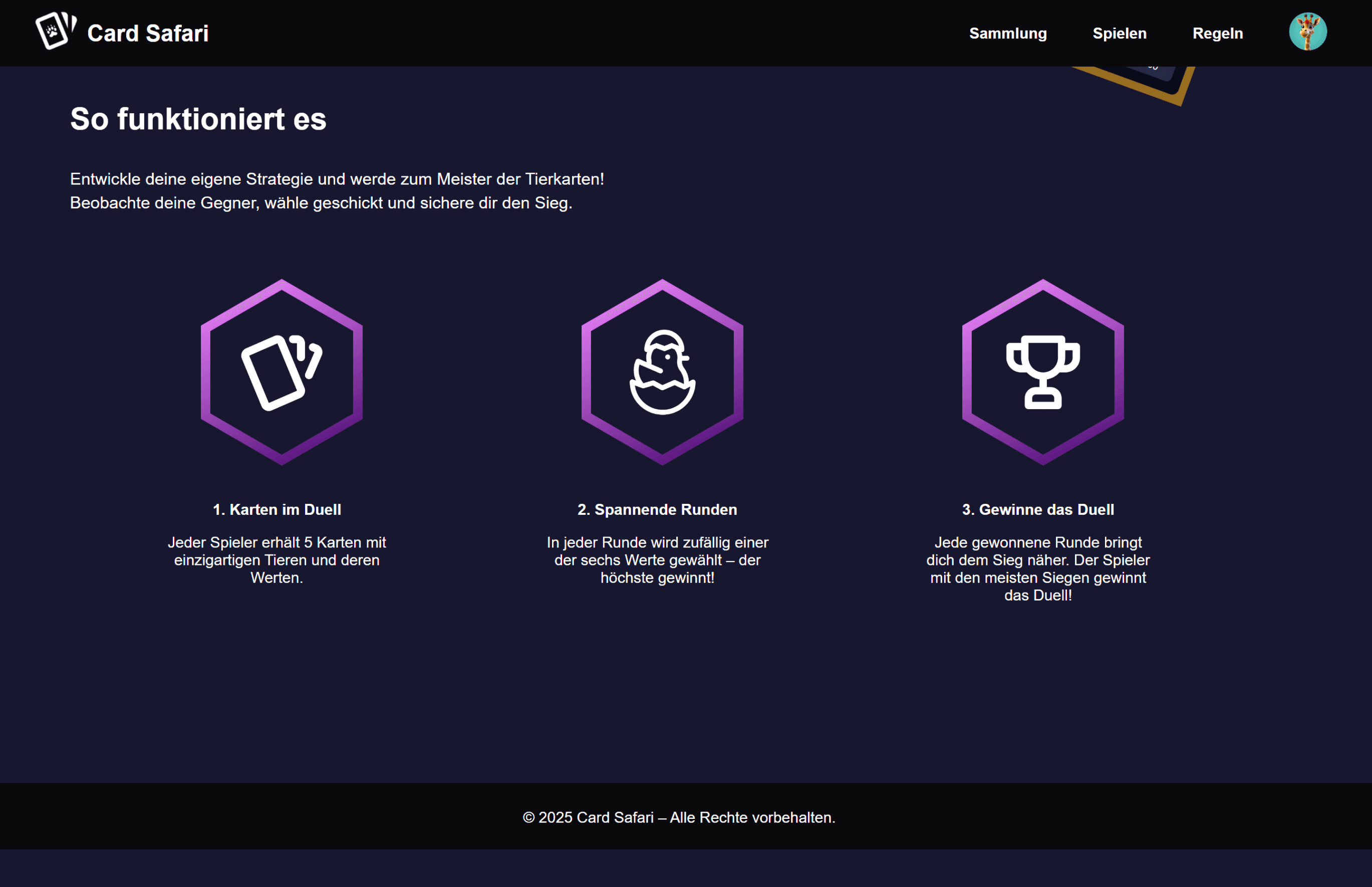
Cards in Duel
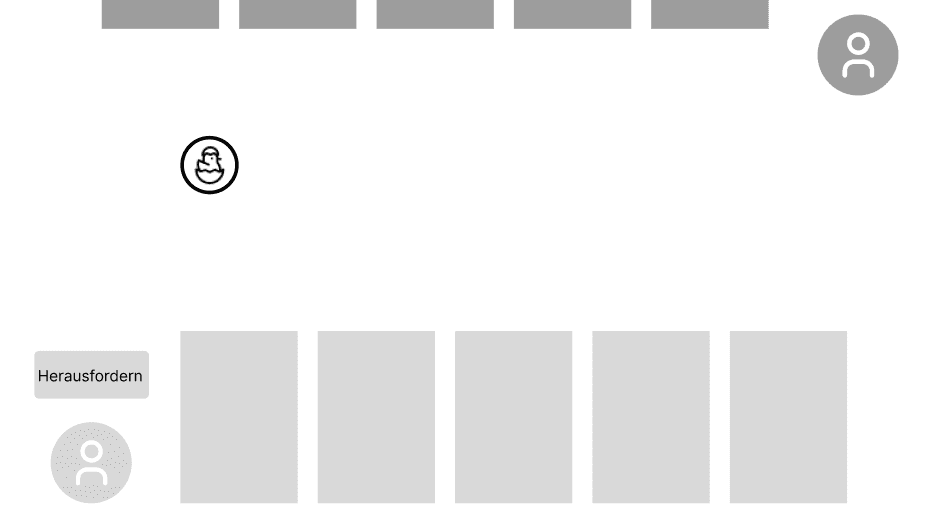
- Each player receives 5 cards with unique animals and their values.
Game Rounds
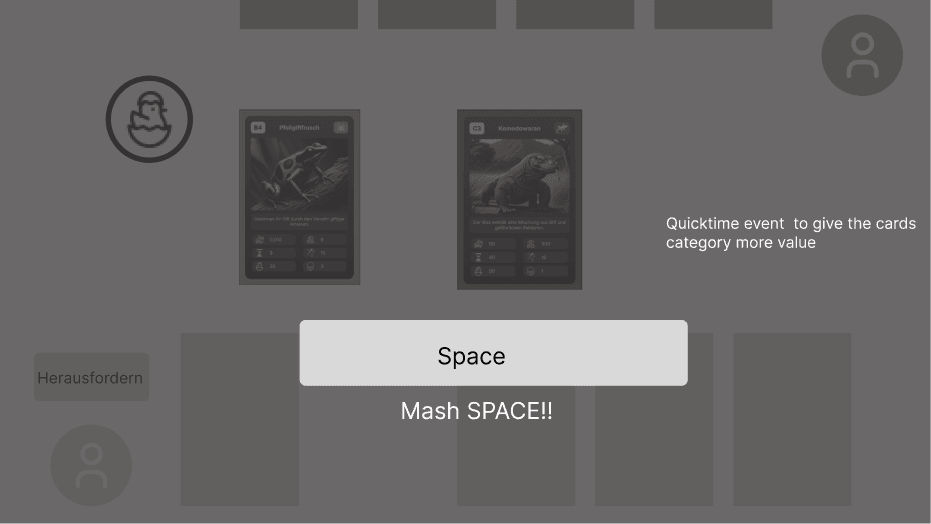
- In each round, one of the six values on the animal cards is randomly chosen - the highest wins!

Win the Duel
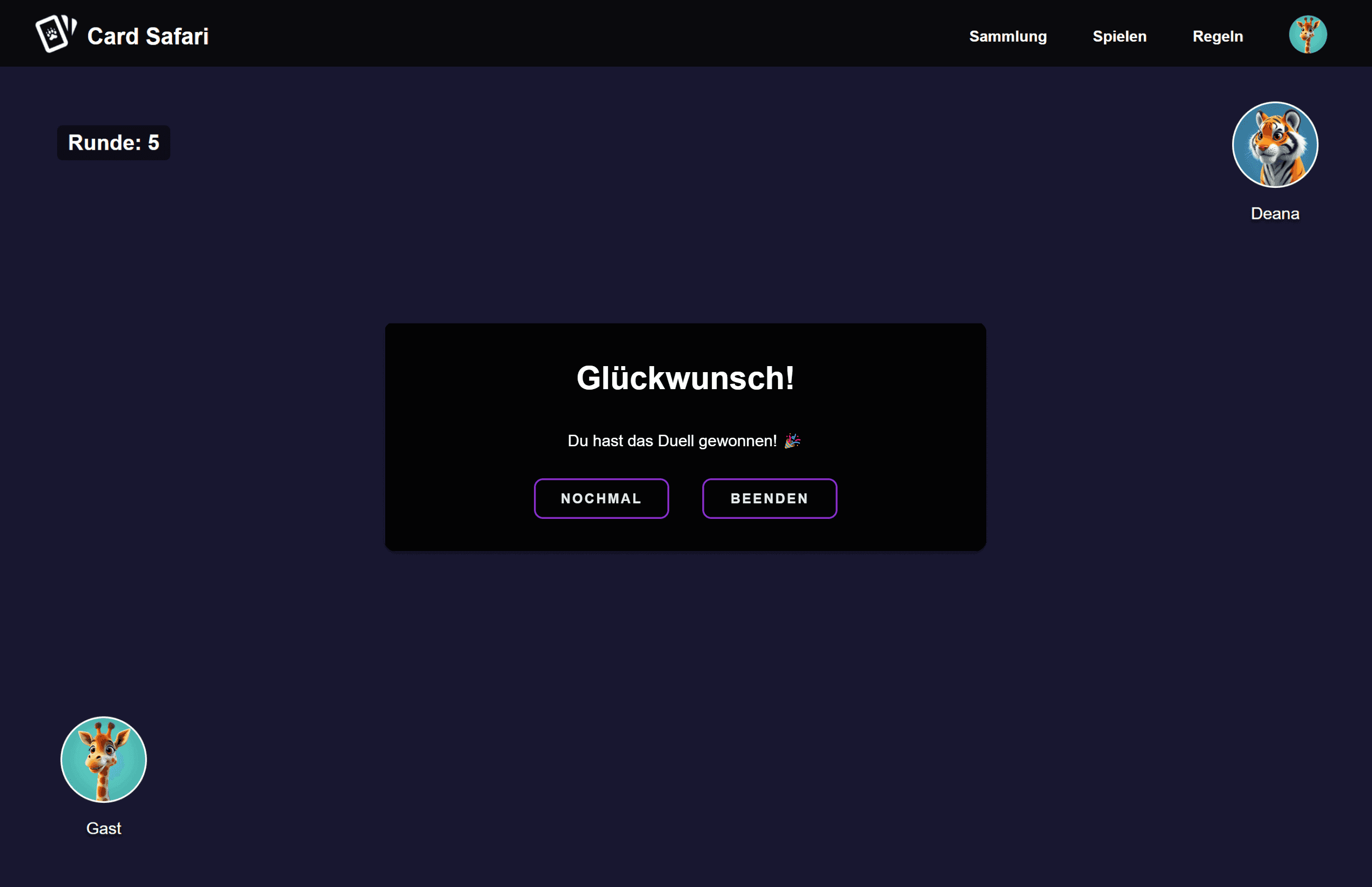
- Each round you win brings you closer to victory. The player with the most wins, wins the duel!
Cards in Duel
- Each player receives 5 cards with unique animals and their values.
Design Process
Wireframes
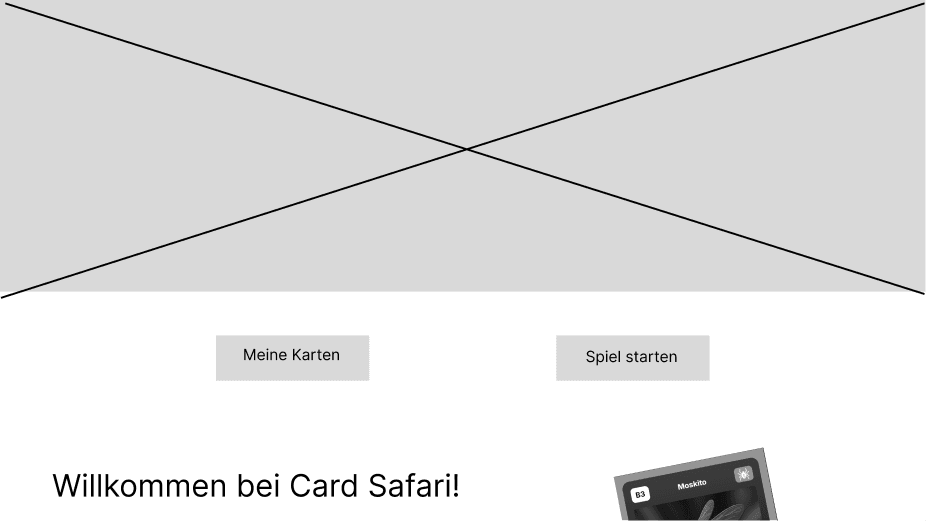
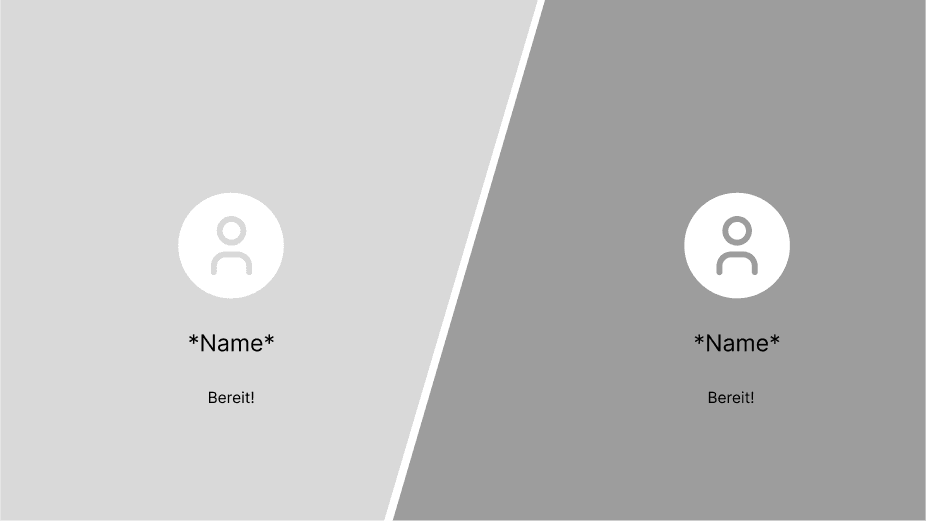
The wireframes played a crucial role in defining the website's structure and interactions. I experimented with different features, discarding some while adding others as development progressed. This allowed me to refine the user experience as the project evolved.
Illustrations
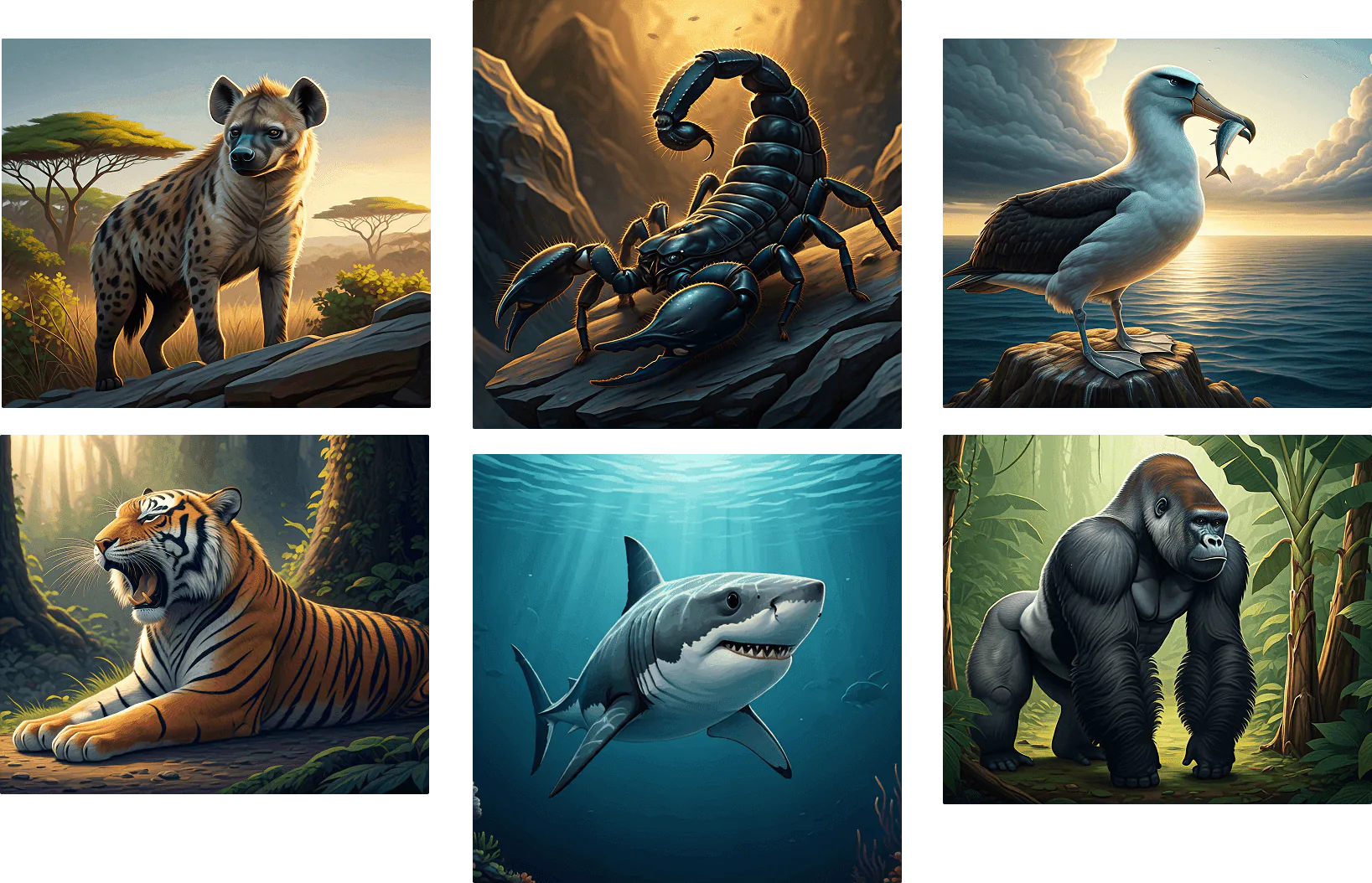
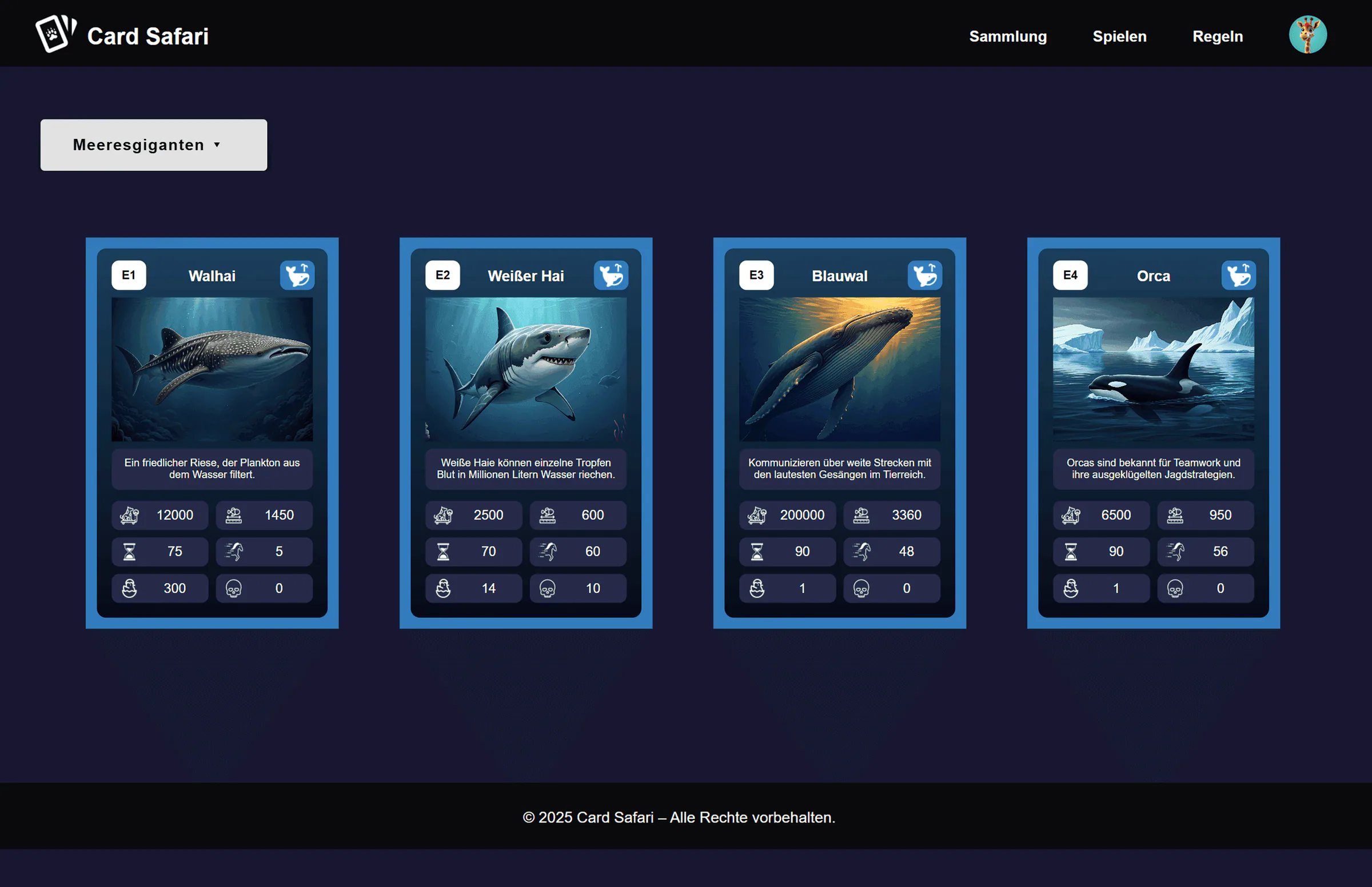
For the animal card illustrations, I used Gemini AI to maintain a consistent look across all cards. The dataset provided by our professor included animals, trivia facts, category groupings, and various stats like speed, weight, or litter size — all of which were integrated into the gameplay.
End Product
Homepage Overview
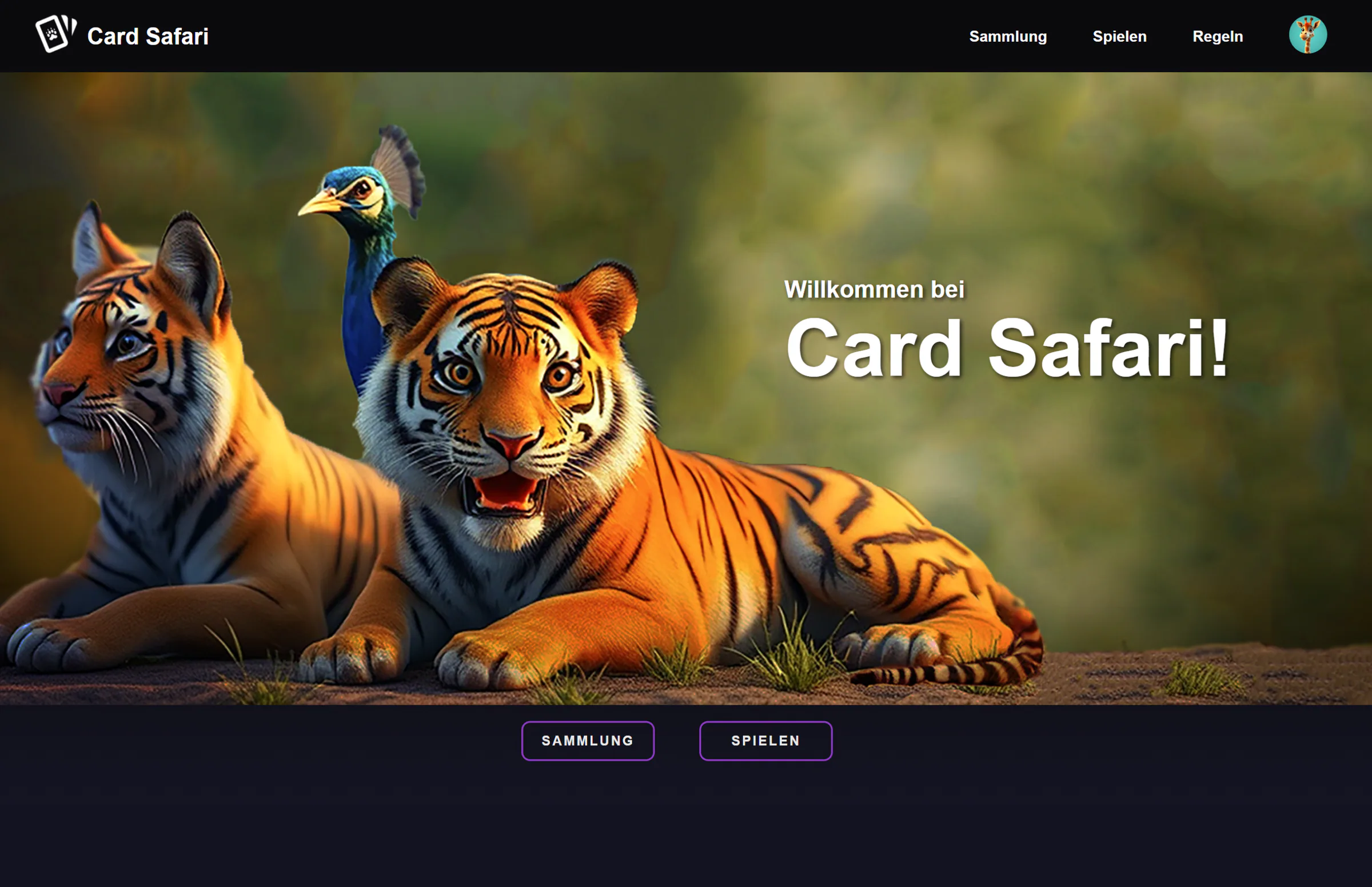
The homepage features an AI-generated image and two buttons: one to explore the collection and another to jump straight into the game.

Reflection
This project was my first experience working with Svelte. Building the game helped me understand reactivity and component-based development while turning visual ideas into interactive experiences. It reminded me how rewarding it can be to learn something new by simply experimenting and creating.
Embrace unfamiliar tools
Step outside familiar workflows to develop new skills.
Learn by building
Understand technical concepts through hands-on experimentation.
Bring design to life
Turn visual concepts into functional, interactive experiences.
Other Projects
A few more things I've worked on
Drag or swipe to explore. Tab to a project, use the arrow keys to browse, and press Enter to open it. Home and End go to the first and last projects.